

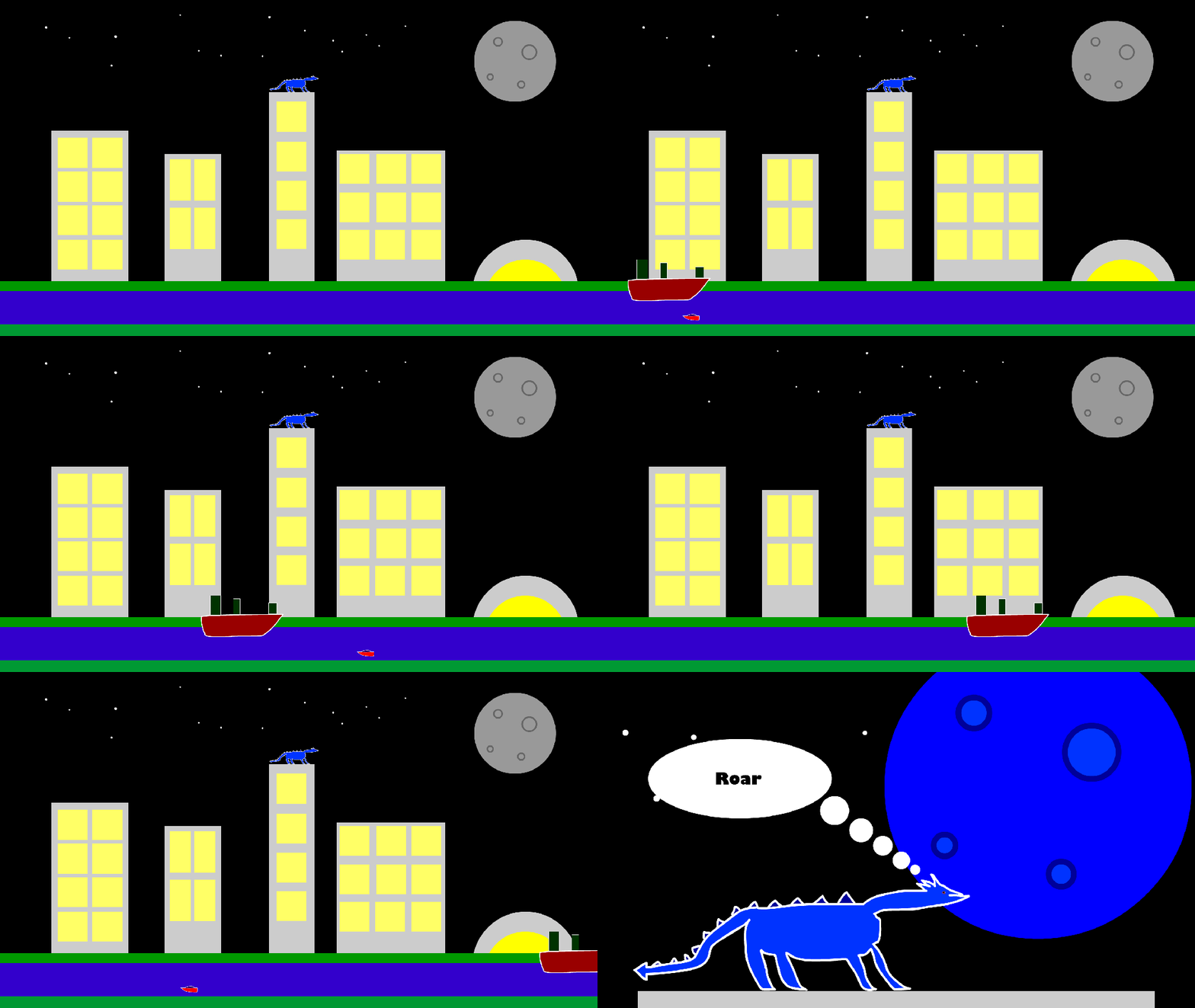
I set out to create my next animation. This time I aim to incorporate new tools that I have learnt. How to make symbols, how to create a motion tween and how to use basic objects to create a city scene.

I first set this animation to be in full HD (1920×1080). Next, I used the shape tool to create small circles on the background layer to create stars and a larger circle to create a moon. I added smaller circles inside of the moon to create craters. I then Converted the moon to a symbol.
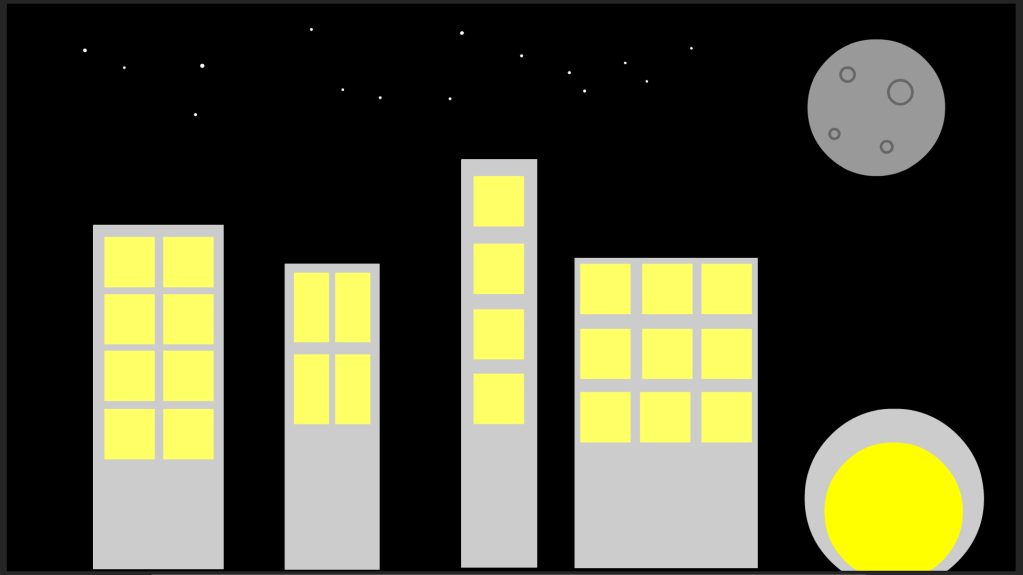
On the next layer I used the rectangle tool to create grey buildings and then I added yellow rectangles to create windows. I then experimented with circles to create a stadium like building. I then highlighted the buildings I had created and converted them into a symbol individually.

I next used rectangles to create a riverbank and a river running through my city.

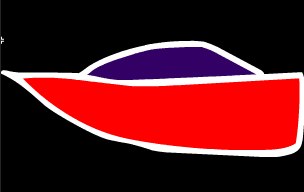
Next, I used the classic brush tool to draw the hull of a boat and the used rectangles to create the funnels. I then used the same brush tool to create a speed boat. I then coloured and converted the boats into symbols

I then added two more of the speed boat design to the animation. I then created keyframes that would time the animation so that the three speed boats would cross the frame at different intervals but the larger boat would take the whole animation to cross the frame, therefore showing the speed of the speed boats. I added motion tweens to the timeline and then dragged the boats across the frame and the tween created the movement
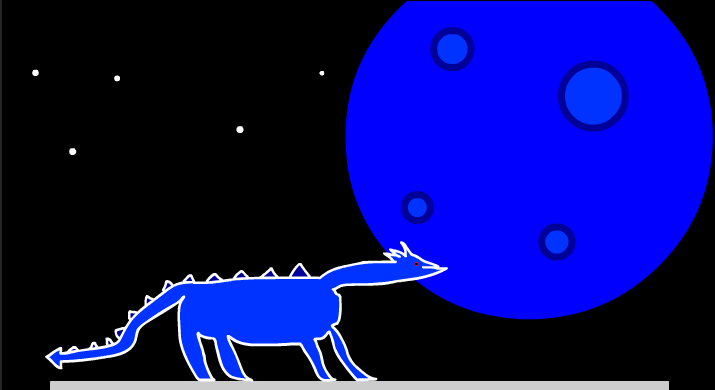
As a personal extension to the set task, I added a dragon the top of the central building and created a new motion tween that would make it look like the dragon had breathed lightning breath. The lightning breath would hit the moon and turn it blue. I then created a new blank key frame and used my existing assets that I had created to make a new angle to show the dragon in a closer perspective. Then as a funny addition I added a thought bubble to the dragon
 Sublime Theros