

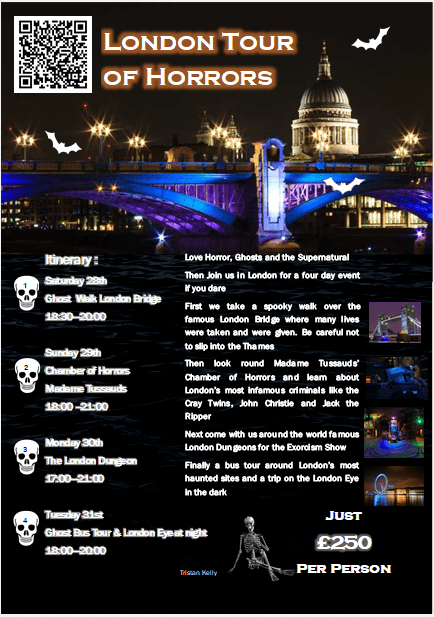
To create my poster I first researched where would be a good holiday destination for that I knew enough about to create a poster. I settled on London as I knew of several attractions like Madam Tussauds and searched for others to bulk up the content of my poster. I then found a picture of London at night and used the picture tool to insert it.
To create my poster I first researched where would be a good holiday destination for that I knew enough about to create a poster. I settled on London as I knew of several attractions like Madam Tussauds and searched for others to bulk up the content of my poster. I then found a picture of London at night and used the picture tool to insert it.
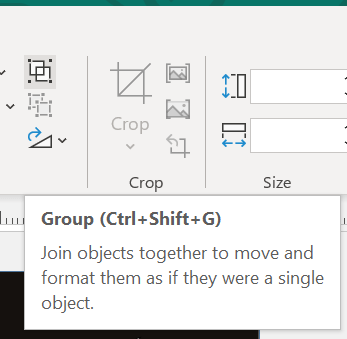
Initially I planned to have a black background but when I found a picture that was shot from the view of the Thames I saw that a could place that image on top of my poster and make it so the water looked it didn’t end at the bottom of the picture. So I found a Image of water and placed the two images together to create a look of the text being underwater, then grouped the two images together to be able to adjust them easier.
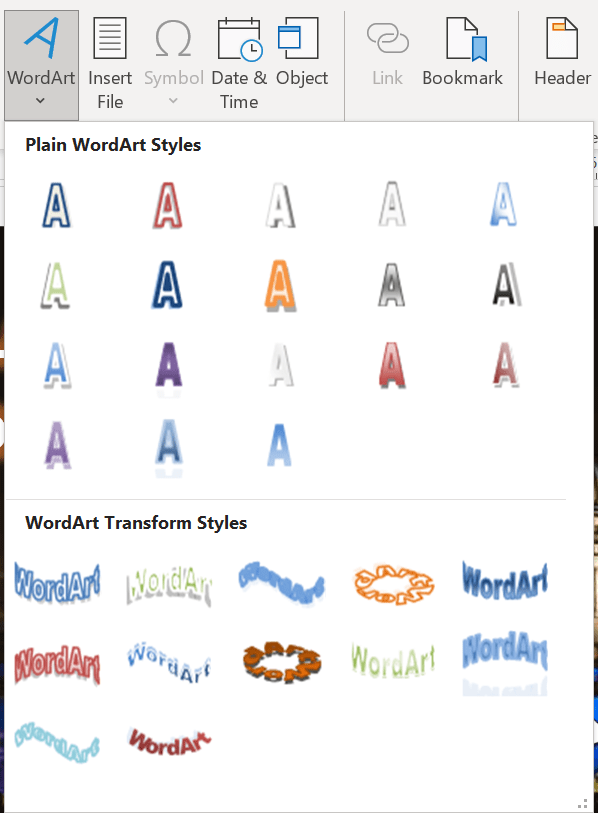
I then added a text box and decided the text should be white to pop of the dark blue and black of the background. I then created an itinerary of the trip using images of a skull that I had found to use as bullet points. Next I decided to add short descriptions on each part of the trip and add images to show what might be included. I added a title using word art that had a gray border and a white fill.
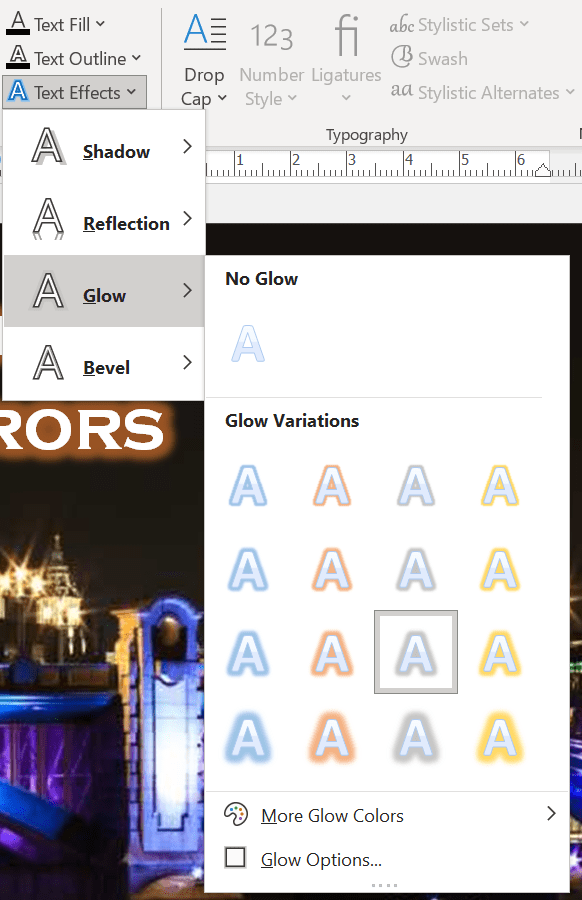
For the title I used Copperplate Gothic Bold as I felt it was a legible font for the title and created a spooky vibe to the poster and Franklin Gothic Book for the main text of the poster as it kept with the theme and remained legible. I then added a glow to the text of the itinerary and the title to make them pop of the page, I designed this to draw in people that would glance at the poster. I then found some images of bats and inverted the colour on them to make them white to pop of the back ground and put them on the above water part of the page. To continue to add to the theme of the poster I added a skeleton to the bottom of the page a added a grayscale filter to it to make it look like it was at the bottom of some dark water.
I added a total price to the poster and then saved it. I also added a glow to the price of the experience and the title I finally added a QR code that would link to my WordPress page that would link to a website if this was a real poster
Below you will find a slideshow of the tools I used to create this publication



 Sublime Theros