

Scene 1
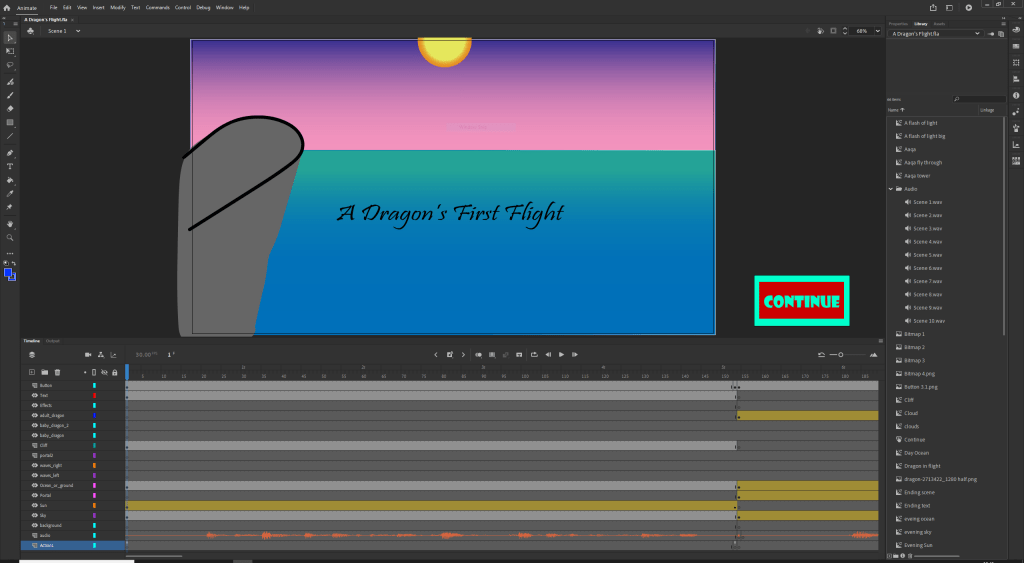
I started my animation by importing the gradient backgrounds I had created in Adobe Illustrator for my storyboard as I liked them and it would give me a base to work off. I also imported the sun, title and cliff from the storyboard this allowed me to quickly make my first scene. The animation in this scene is the sun setting which I made easily with a motion tween which saved me the work of changing the position of the sun frame by frame.
Scene 2
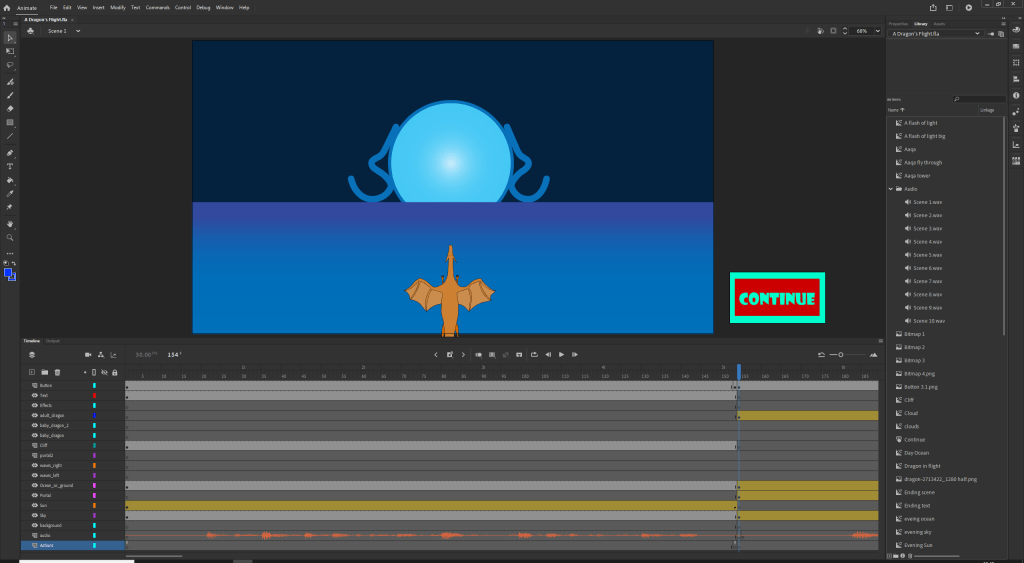
The second scene was one of the more complicated due to a suggestion from a classmate. His suggestion was to instead of having the dragon just fly into the portal to have dragon fly and to move the background as well to show motion. so using motion tweens I made the dragon fly as well as the ocean and the sky so that it looks like you are moving with the dragon. I finished off this scene by having it look like the portal envelopes the viewer and the dragon by having a white light come out the portal and cover the screen.
Scene 3
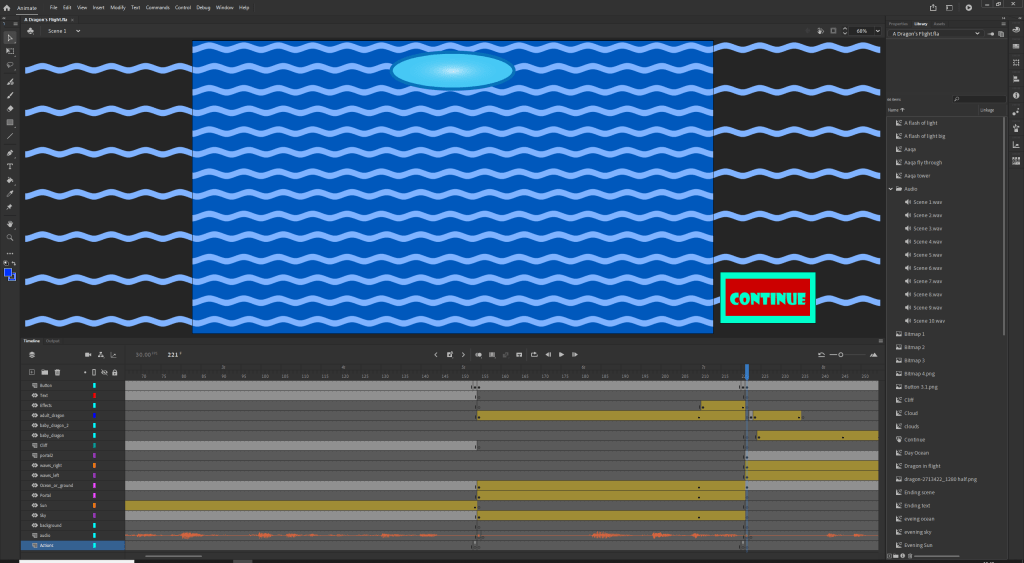
For the third scene I want to show the turbulent waves of Sea of Worlds I found a vector graphic of a wave and linked multiple together in a symbol then placed two of the same symbol that interlaced. I then used motion tweens to have them move horizontally to show movement in the waves. I also added the dragon from the previous scene flying out the portal and then the younger dragon splitting off from his mother.
 Sublime Theros