

Scene 7

On this scene I created a more simple scrolling background where only the clouds move to show the dragon flying through the air towards the city of the Plane of Air, again using motion tweens to create the animation.
Scene 8
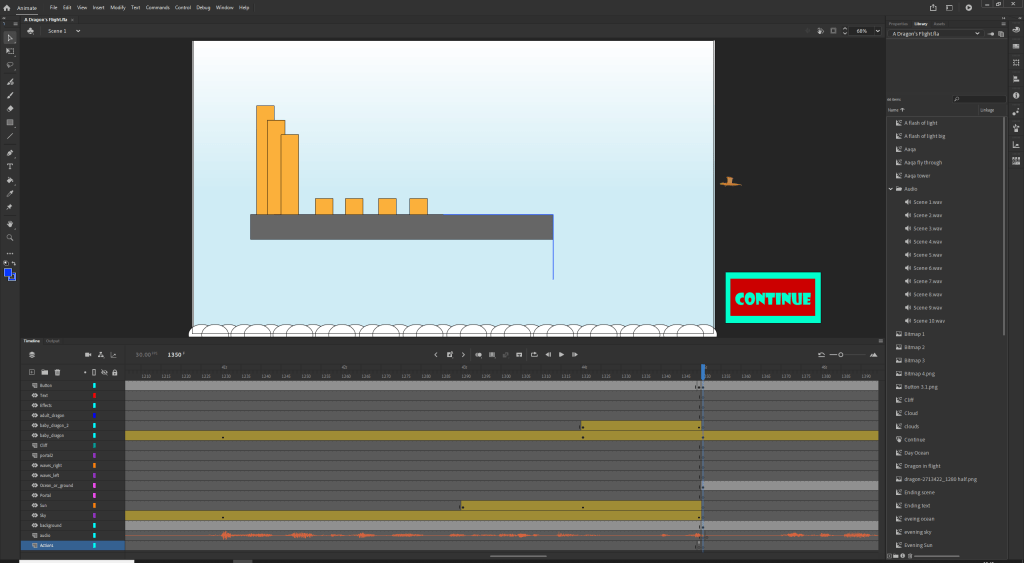
I quickly created a background for my dragon to fly through, using shapes to make the air city and clouds. I then used motion tweens to have the dragon fly above the city.
Scene 9
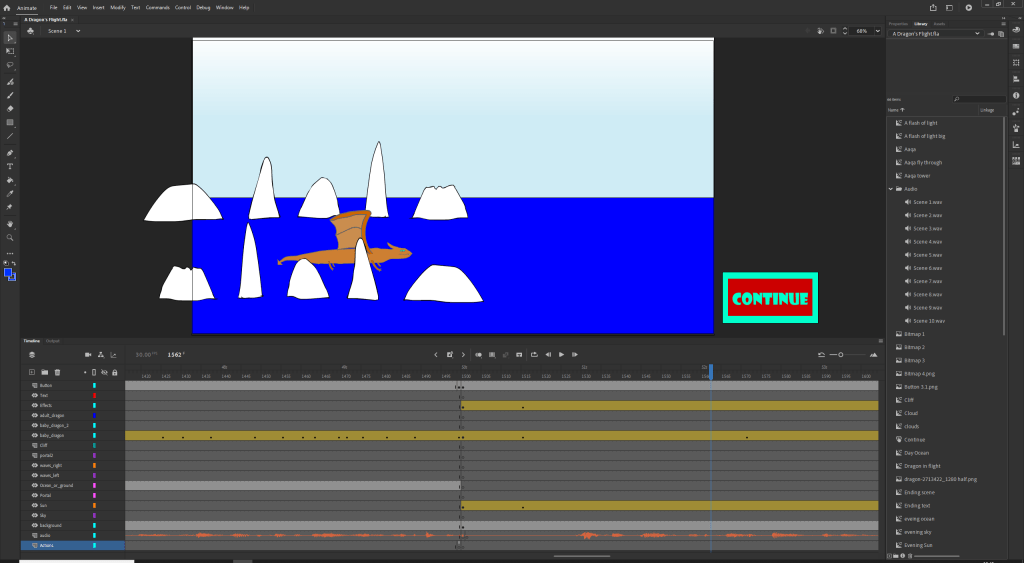
With this scene I created some icebergs in a symbol so that I could have them move through the scene and again used my dragon to fly through the environment and into the portal.
Scene 10
For the last scene I decided to make it a simple thank you for watching screen so I returned to Adobe Illustrator using to create more text in the same font as the title. I copied and pasted this into Adobe Animate and turned it into a symbol and had it move up from below the screen for the final 2 seconds of the animation.

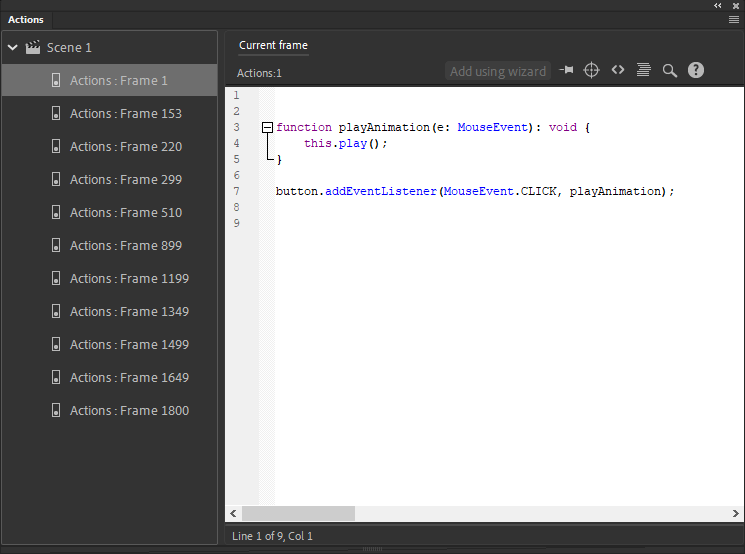
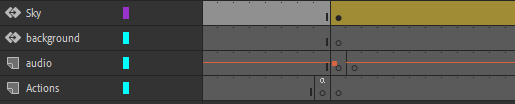
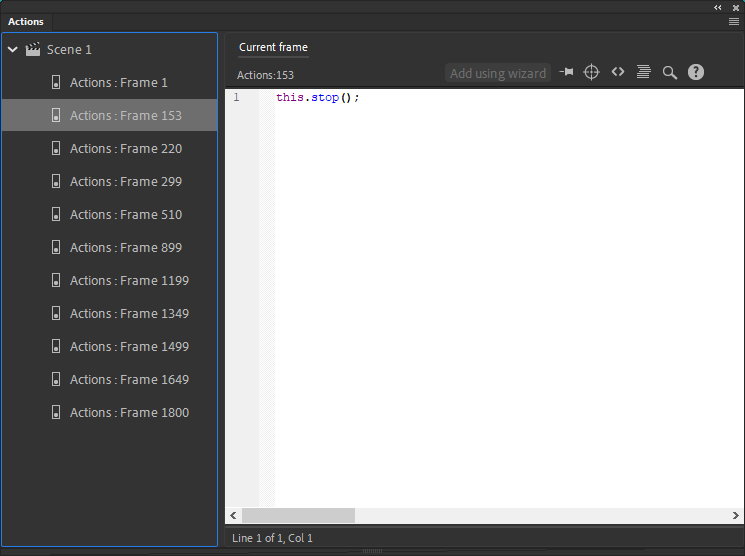
The last part of my animation was to add the code for ActionScript 3. The screenshot to the left shows the code that sets up the button and allows the animation to continue when the button is pressed and the code in the screenshot to the right is the make the animation stop when the frame with the stop code. I next inserted the audio I had recorded for the narration. Due to the scenes being shorter than the scene narration I had to make the audio stop when a new scene started so that there would not be multiple voices at the same time. I achieved this by letting the audio continue one frame into the next scene so that when the next scene start there would be one frame then the narration would start again
 Sublime Theros