


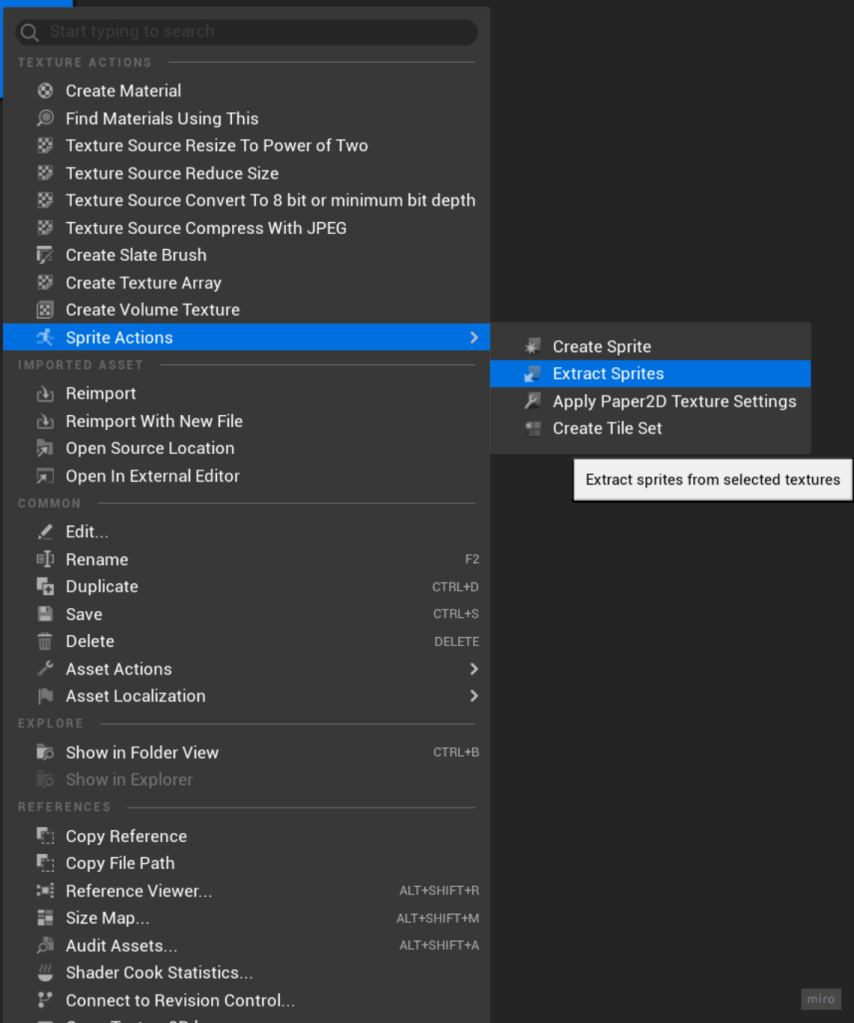
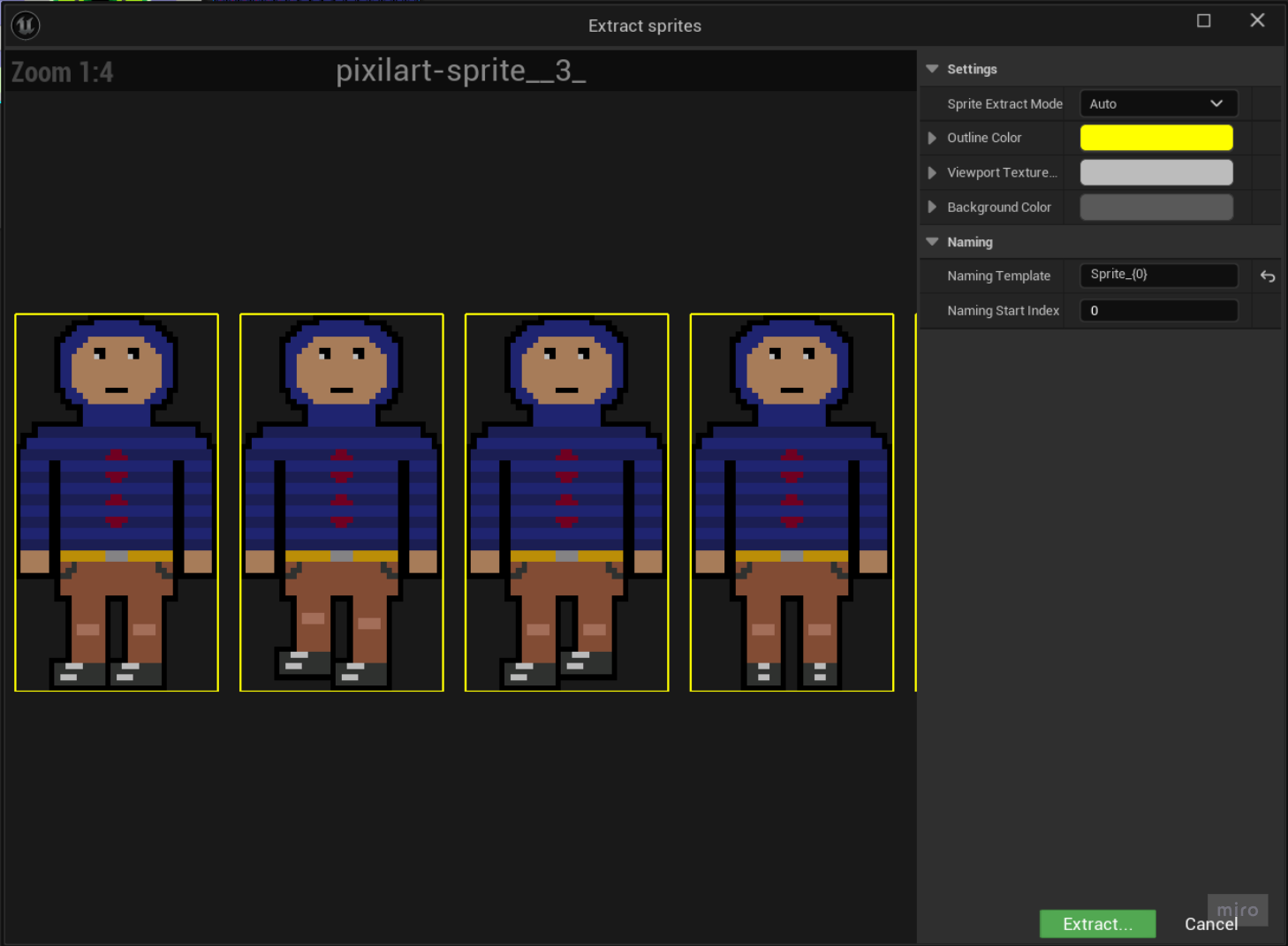
I started by using Paper 2D’s sprite actions to extract my sprite sheet into individual sprites. Then I used bulk actions to set all the sprites pivot mode to bottom centre. Next I made my flipbooks by selecting the sprites that were part of the idle animation right clicking and selecting create flipbook. I then repeated this process for walking left, walking right, walking back, walking back left and walking back right.
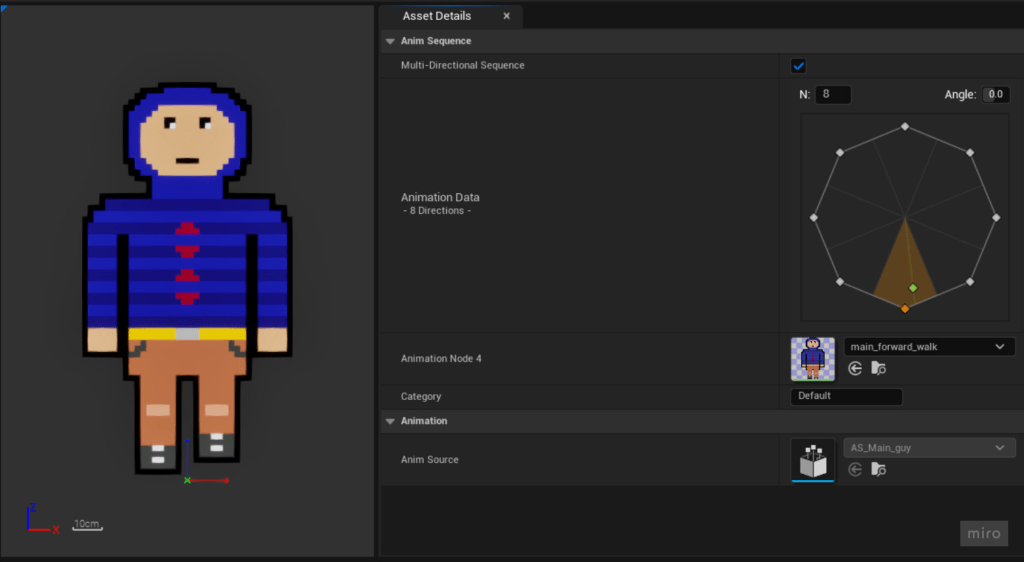
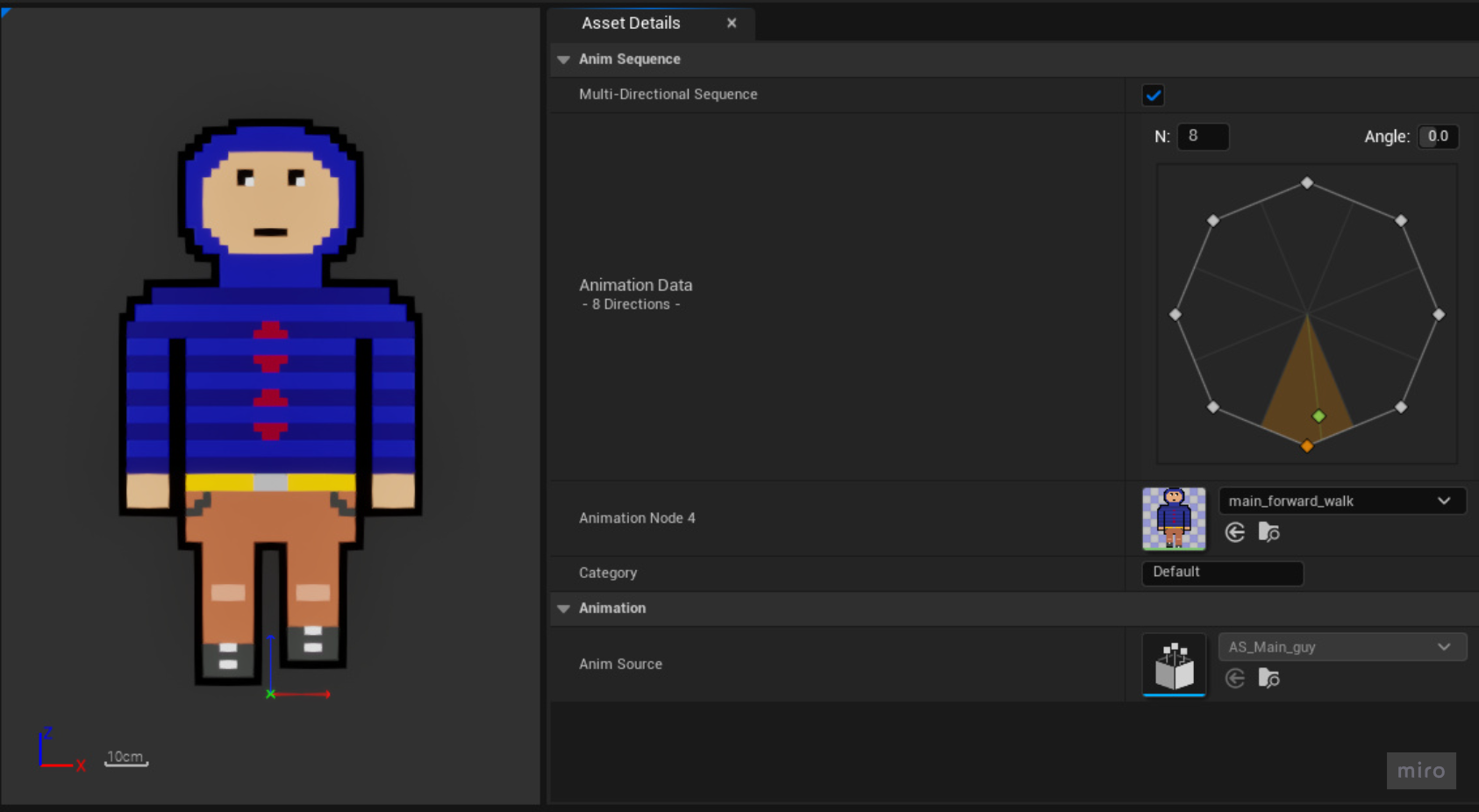
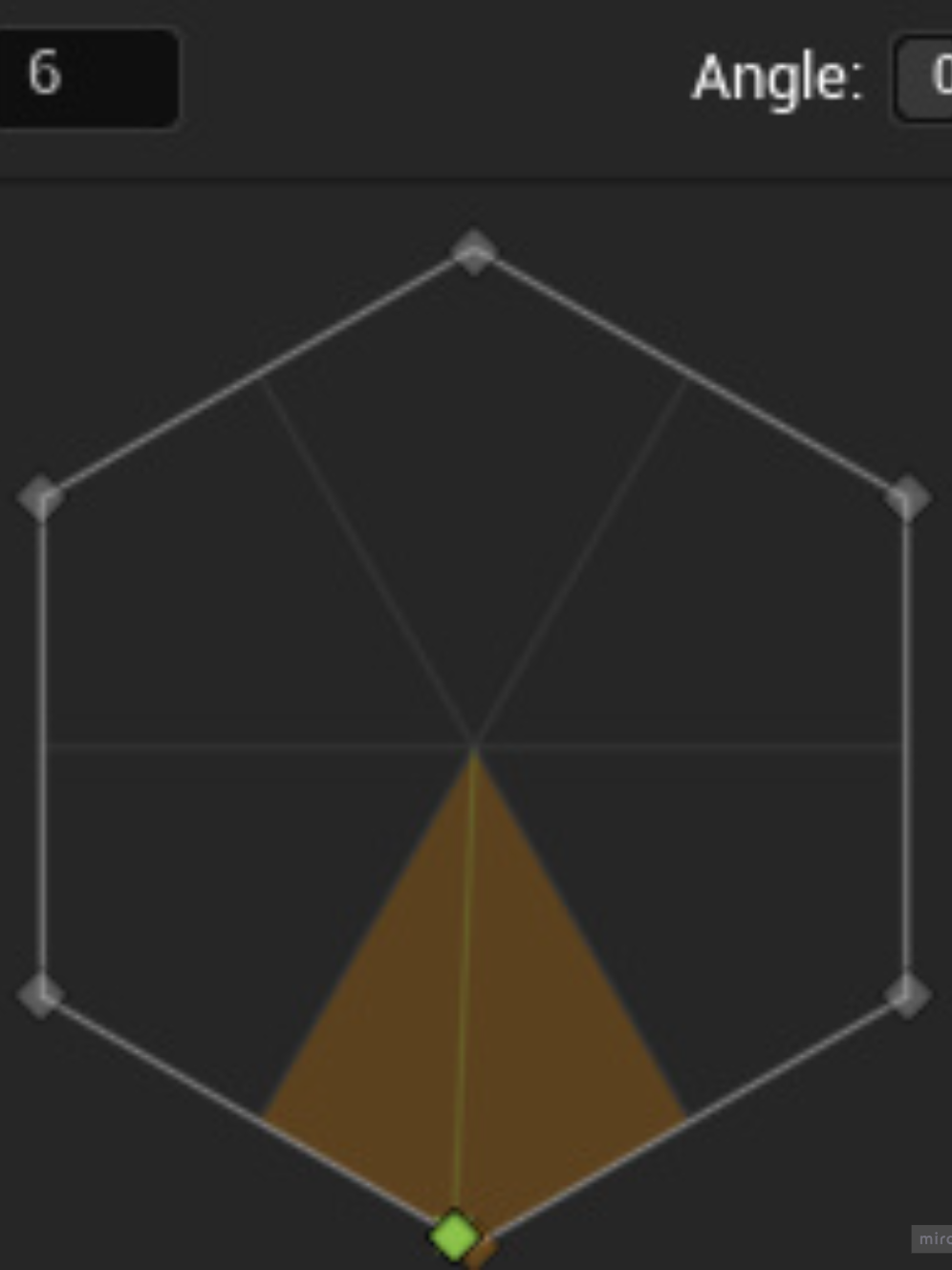
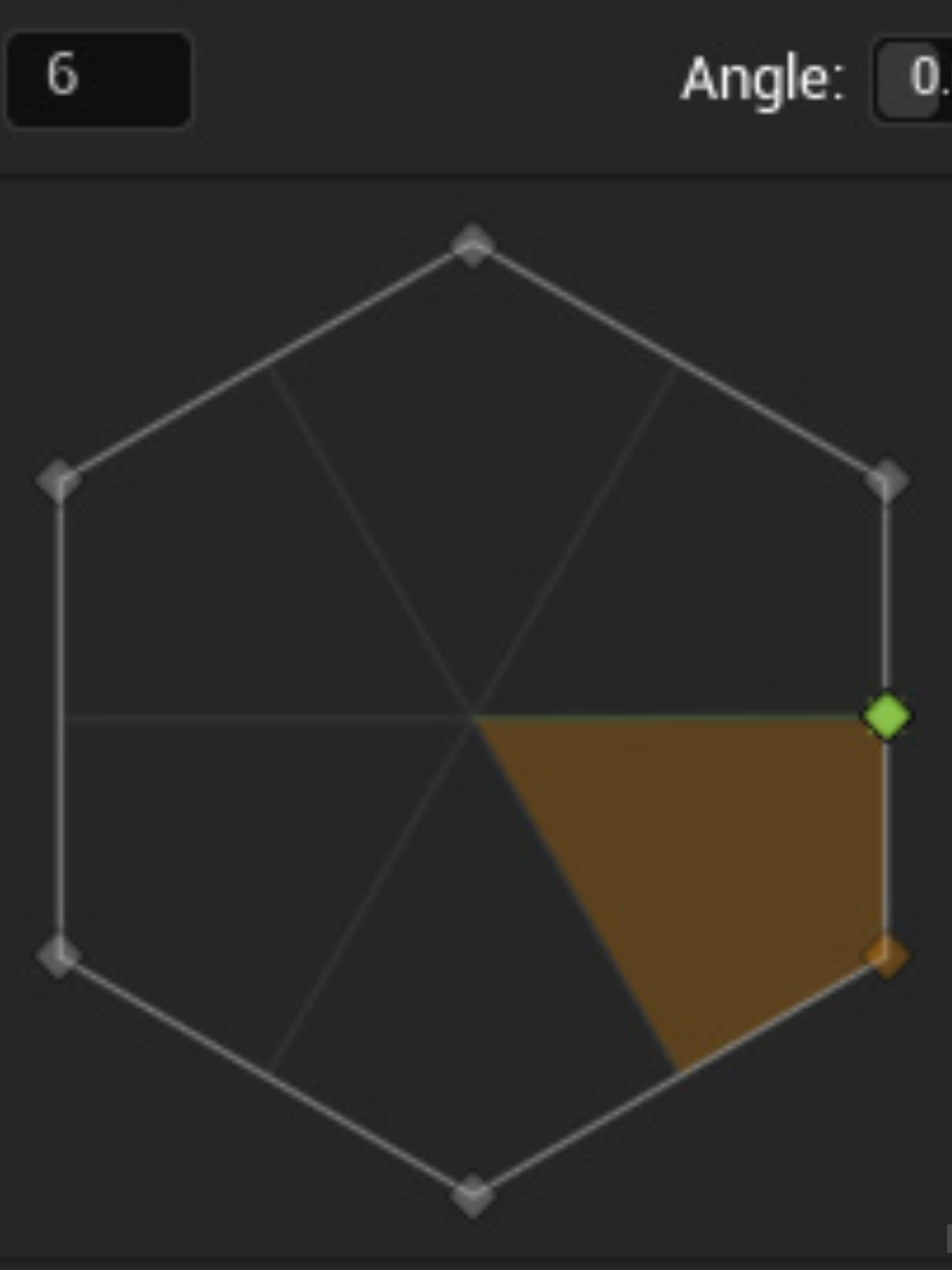
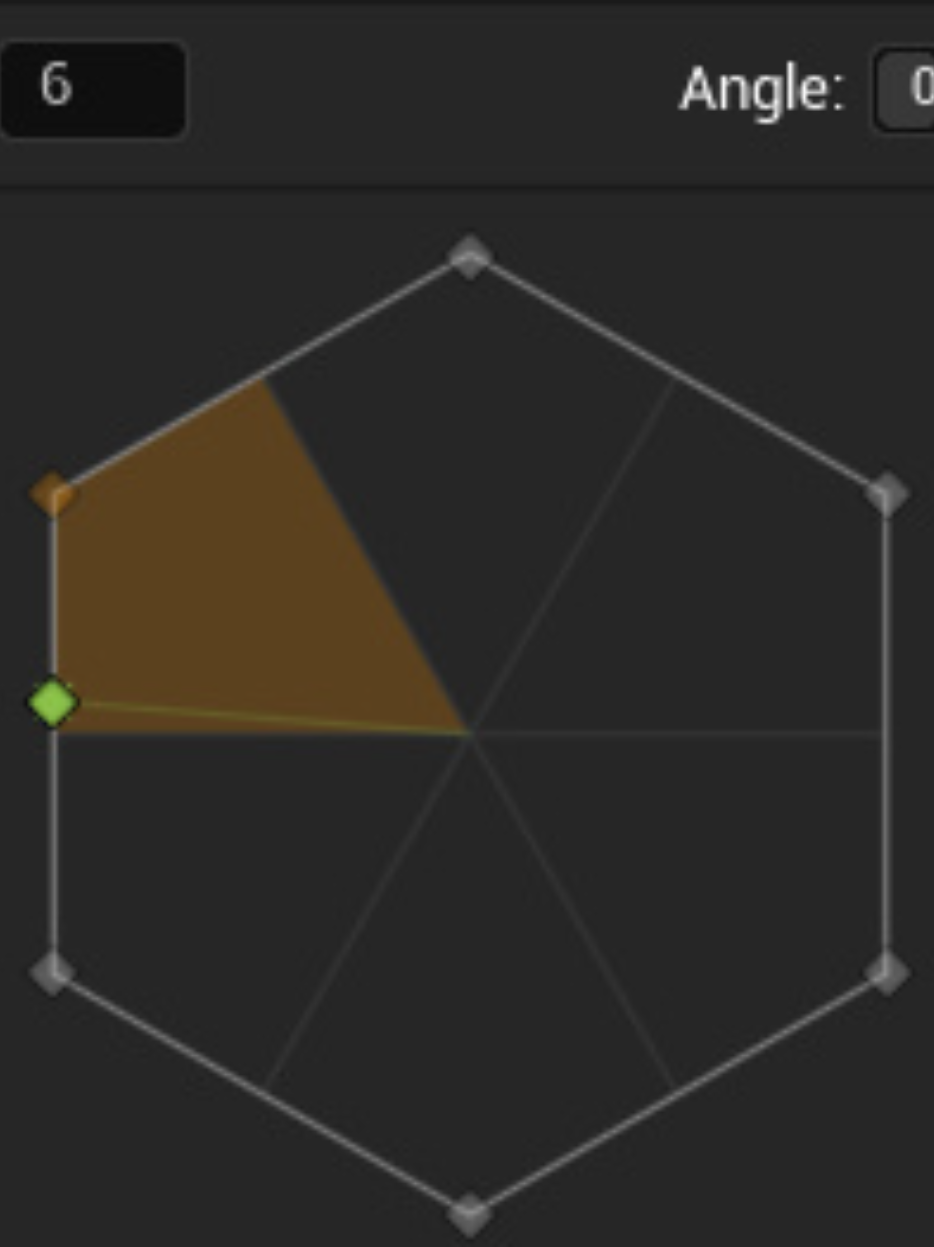
I then in the content browser set up a animation source from the Paper ZD section of the right click menu. I created a new animation sequence for the idle animation and selected the idle flipbook for the animation data. Initially I set up sequences for each walking animation but learned that through reading documentation that it is easier to set up a multi-directional sequence. When I first set up my multi-directional sequence I set it up to have 6 directions as I had 6 ways for the character to face but this created what I learned was a “floating point precision” issue. When I got into testing I realised that if I went left the sprite would walk back left and if I went right it would walk forward right. this is because moving left or right would set the directionality of the animation on the line between two different pieces of the animation data so that the software would have to decide which flipbook to show. This is what is known and explained to me as floating point precision. It is the accuracy with which a computer represent and perform calculations on decimal numbers. Since decimal numbers can’t always exactly represent certain values due to their limited precision, this can lead to small errors that affect gameplay, for instance the way my character faces. I rectified this by making the multi directional sequence have 8 directions which with hindsight makes a lot of sense as with the digital input of a D-pad or WASD you can only move in eight directions.
Floating Point Precision Problem
L3 U8
 Sublime Theros