

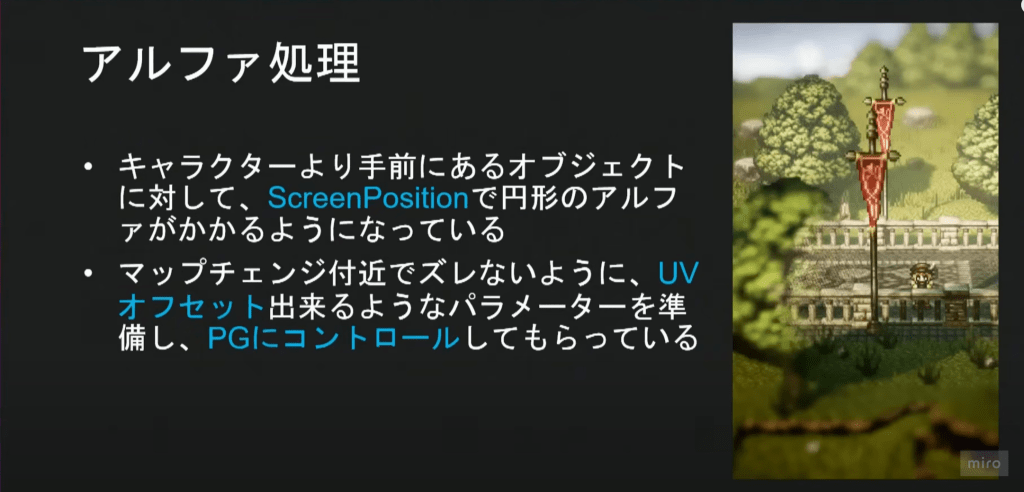
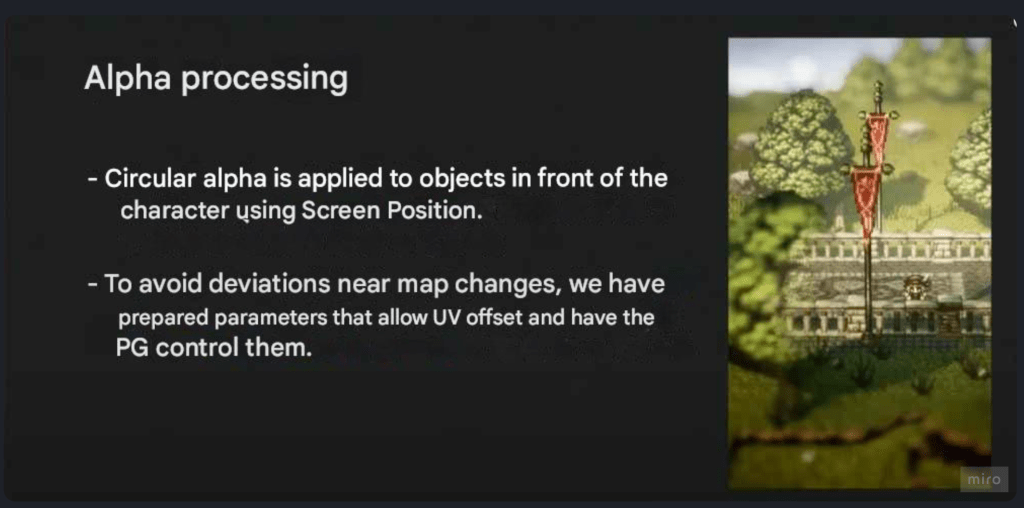
When researching videos on the Paper ZD plugin and HD-2D games I saw an effect demonstration of an effect where objects in front of the player became transparent in a circular shape creating a porthole view of the player. This is something that would make my gameplay experience far better so I sought out a tutorial on how to do this
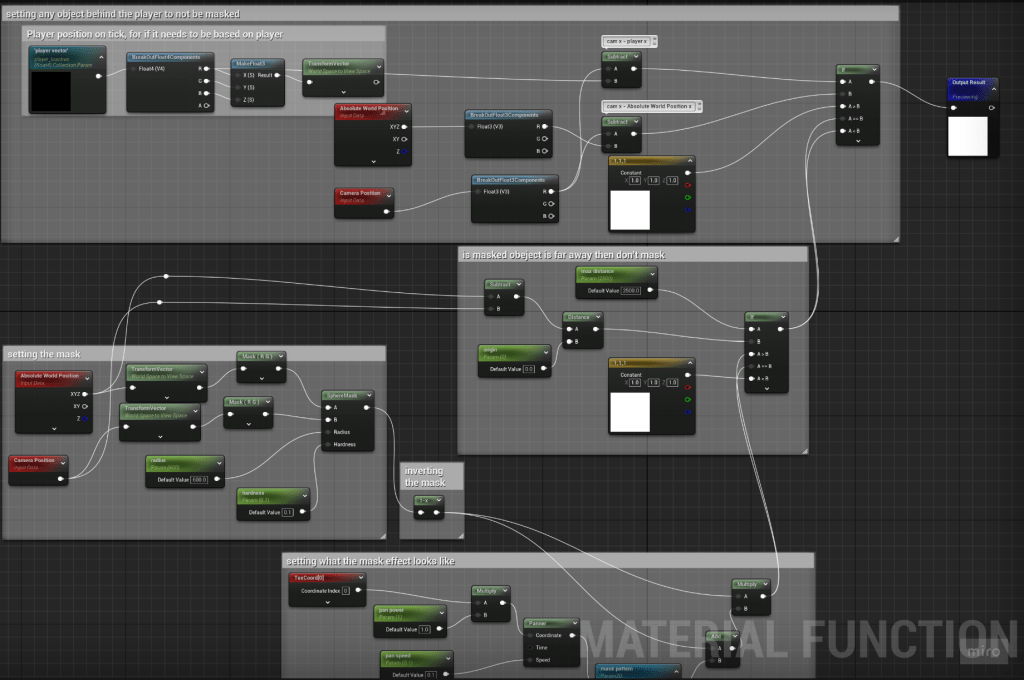
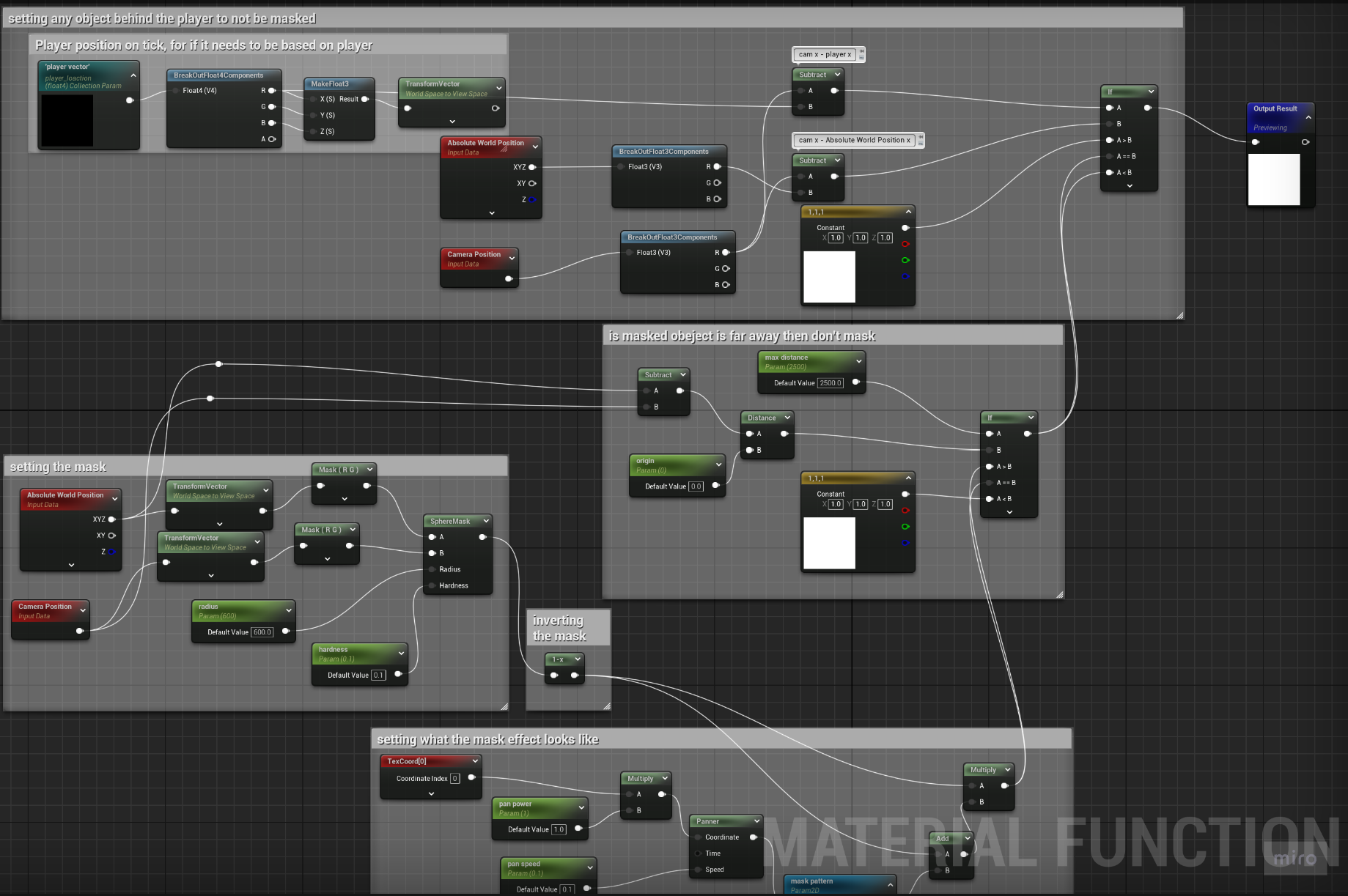
I found a tutorial of what I learnt was occlusion masking. I found this an incredibly helpful tutorial as it explained the maths that had to be done to make the mask work. The simplified version is it takes the camera vector and the absolute world position of the masked object transforms them from world space to view space and creates a spherical mask around the centre of the camera. This on its own would do the opposite of what I wanted but if we put into a 1- node it inverts it creating the desired effect.The tutorial then show me how I could add an effect around the mask, I chose a cloud texture for this for a test and found it to be very well suited to its job after adjusting the pan speed and power of the texture.
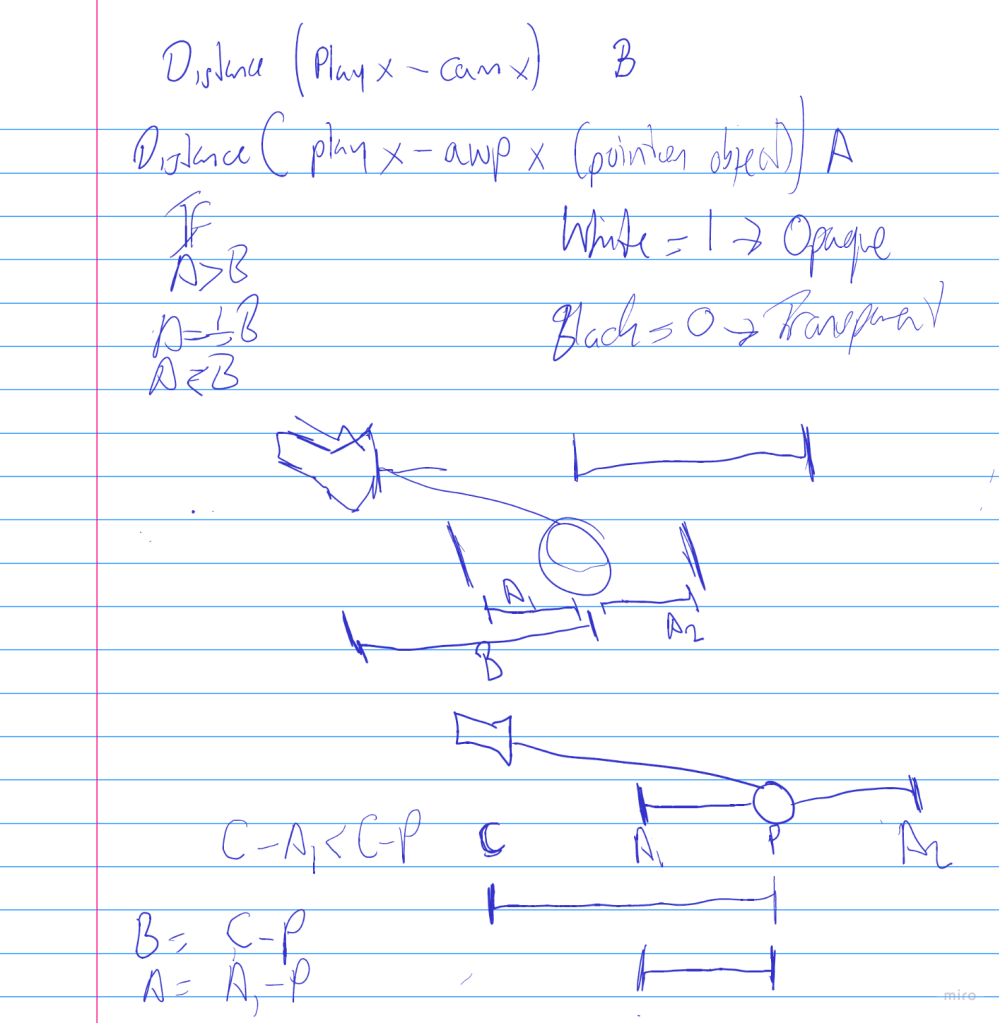
The major problem I had was that the mask would still be there if the player was in front of an object which was not desired as it could show something the player is not meant to see. The process to fix this took me over a week to figure out. From misunderstanding what a Dot Product was to misusing the distance node to find the distance between the camera and player and camera and object. In the end what worked was the camera position’s X value and subtracting the player’s X value creating value A and taking again taking the camera position’s X value and subtracting the absolute world position of the textured object creating value B. I then fed A & B into an IF statement and fed in the mask and the three vector constant (1,1,1(white)). This means that when A>B = no masking, when A=B masking occurs and when A<B masking occurs.
Successful Occlusion Mask Material Function
L3 U8
 Sublime Theros