

During my research I have been using Suno AI to create Chiptune music to go into my game, I have generated music that suits my needs now and I intend to test it out on during the first meet of my focus group as well as possibly make another survey to gain feedback on it.
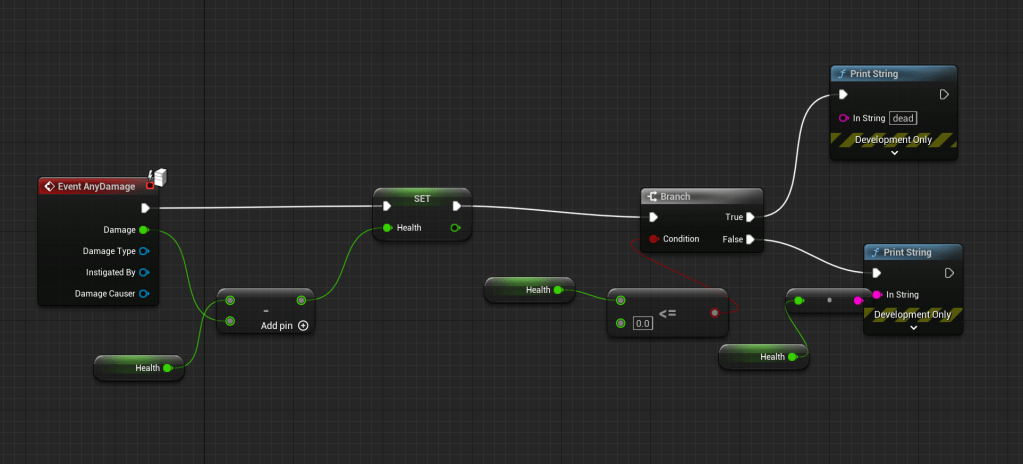
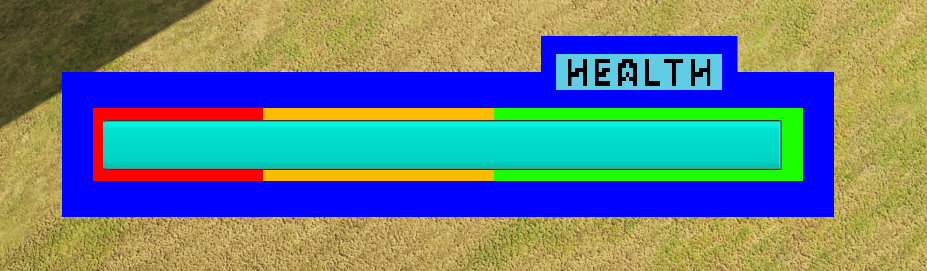
I made a simple health system for my player character where it is a float variable that starts at 100 that if any damage is taken it then updates the health variable and if that value reaches 0 it prints a string that says dead. To test it work I added a take damage on button press into the player character blueprint and it worked.
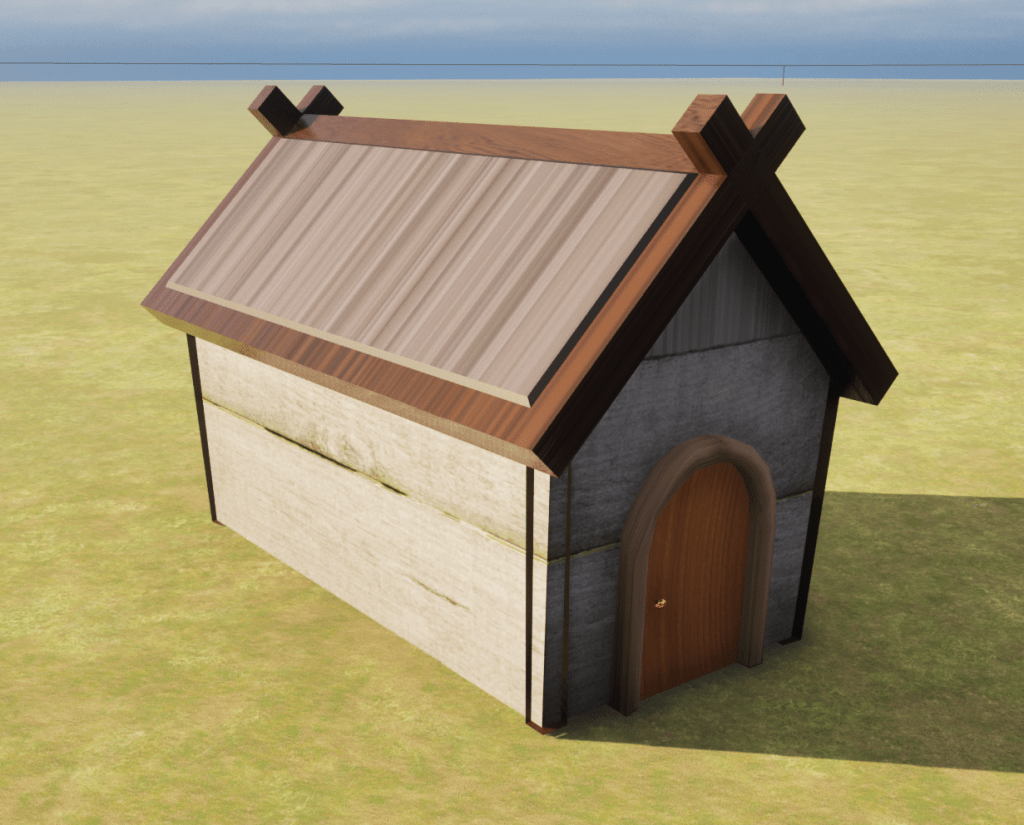
I next created a small house that I could use in my hub world but also to test the Blender – Substance Painter – Unreal Engine workflow. This was to overcome any errors early in this workflow. There were multiple errors, firstly some of the textures came through stretched which I believe is an issue with my UV’s in Blender. Secondly the pillars at the corners of the house are appearing inside out or at least the textures are, I do not know what has gone wrong here and will check with my tutor and peers for a solution.
Next I began to create my combat. I planned to create a fireball that the player would create from a raise hand on the player’s character that would then go to where the player clicked with the mouse. I looked up tutorials on how to make this happen. This was the first that I tested out: https://youtu.be/ktxzr2ep_pA?si=P51g1XP0NJxE5Hll was one of the more effective except it I didn’t know how to account for the lack of rotation with the Paper ZD characters so I continued looking. The next tutorial: https://youtu.be/bTgLsNwJurk?si=aYs6VYF4PPF0lhNa was similar to the first but again lacked advice on rotation. The third tutorial I looked at: https://youtu.be/B0A55c5SuE0?si=EwCiSAjWUCGDz9Tj advised how to create line traces but as this was for a first person rail shooter it didn’t translate too well for my top down/third person dungeon crawler, also the voice over for the tutorial was aggressive and his use of vulgar language was unprofessional. The fourth tutorial: https://youtu.be/V0FYcoizG_Y?si=jeEdmdzZDXQUi4fp was more professional and gave more detail on how to make line traces yet it still did not solve my problem. At this point I created a debug sphere on the player character that would be where the fireball would come from that once the mechanic was complete could be hidden. The final YouTube tutorial I watched: https://youtu.be/yVY6Nv4hY5k?si=85Yv6UJThnJj8ljC wasn’t too helpful as it was for Unreal 4 and I am working in Unreal 5 so there was discrepancies and that it was part of a 15 part series of videos that I did not want to watch all of to get the result I wanted. I searched again, this time in the Unreal forums and I found this post: https://forums.unrealengine.com/t/fire-projectile-at-mouse-position/279154 the solution posted was simple and was similar to the first tutorial except that it gave me a solution to the lack of rotation issue where you use the hit result from the mouse as the rotation value.
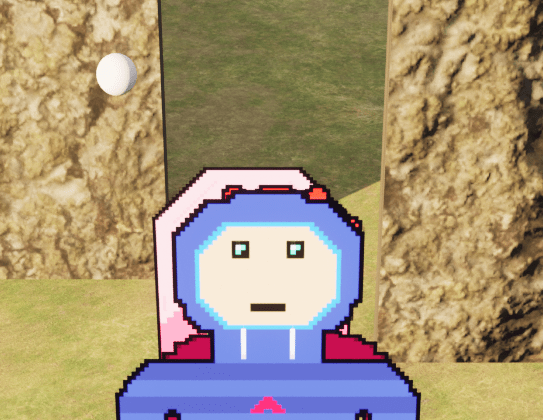
Unfortunately two new problems has appeared, first the fireball sprite is not parallel to the camera so it does not look 2D as I wanted. The second more important issue is that the fireball does not travel to where I want it to go. I have recorded a video to demonstrate my issues.
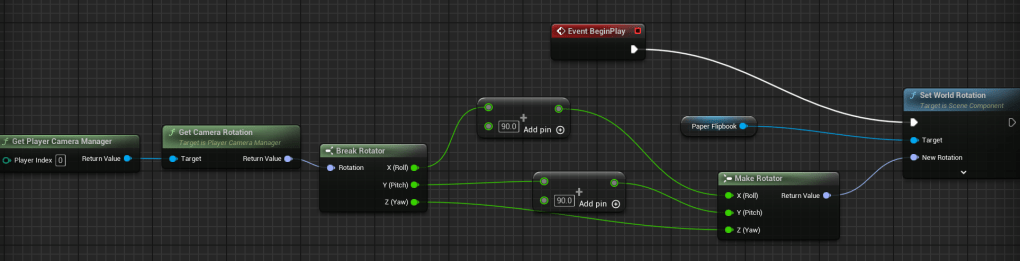
I found a solution to my rotation issue while in bed thinking about the how I could get the fireball’s rotation to match the camera and thought I should try it out and by getting the player controller’s camera and adjusting the roll and pitch it makes the fireball look 2D how I want it.
For my second issue I have only limited ideas on how to fix it but as an alternative I am going to make a second attack while I work to fix the first. The second attack will be lightning that the player will summon from the sky. I also need to create the additions to the sprite to have an attack animation and work out how to add it to the animation graph.
L3 U8
 Sublime Theros