


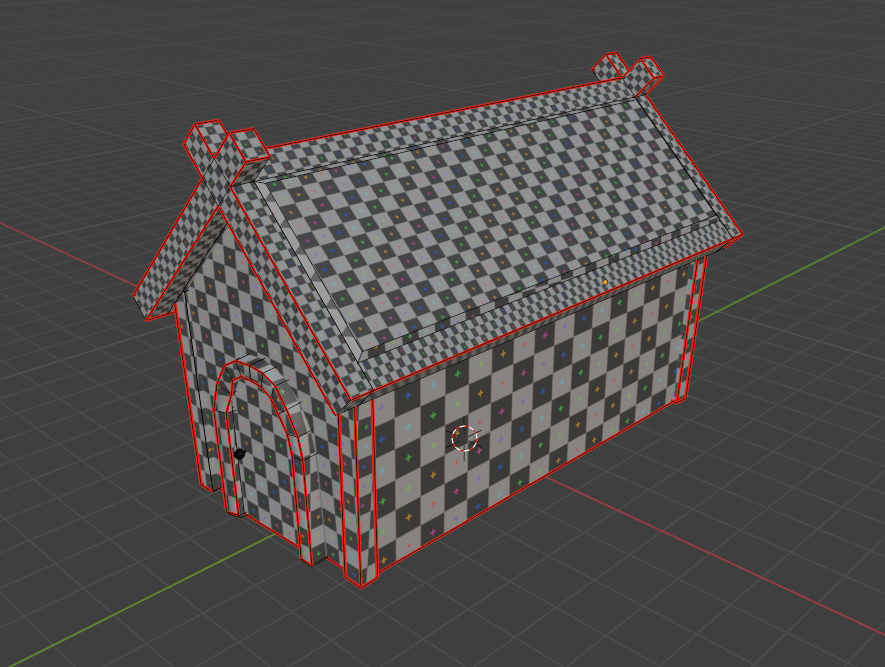
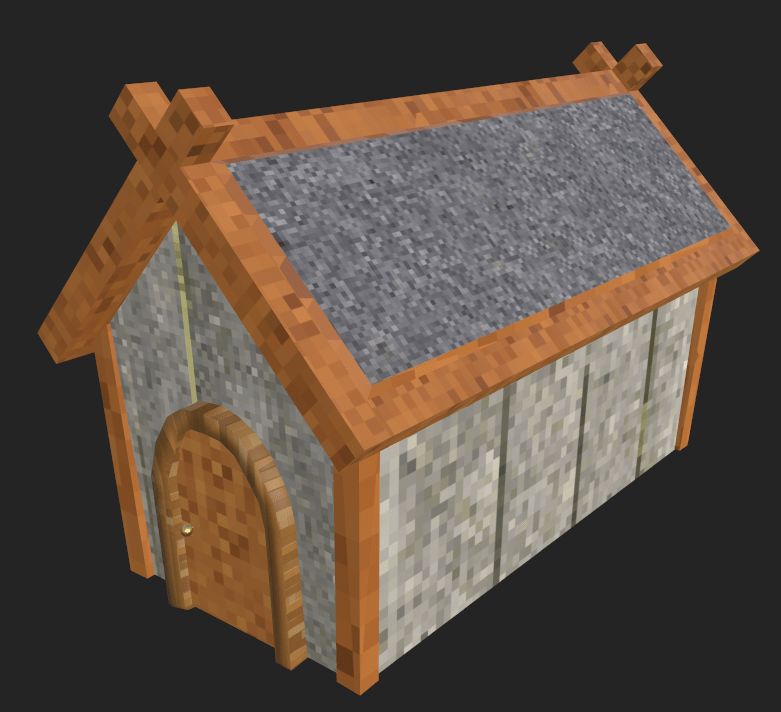
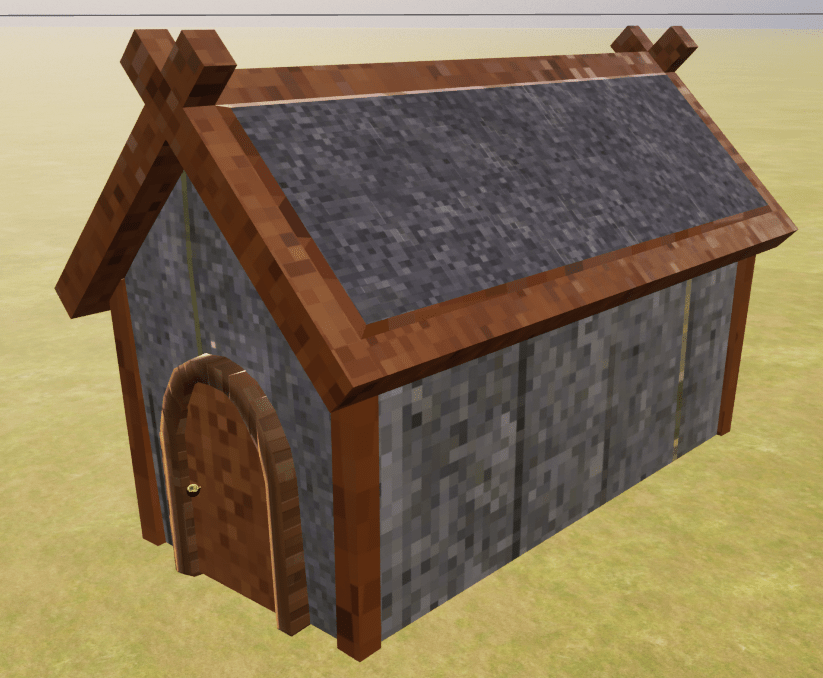

With the help of my tutor it was determined the problem with my model was the UV map (UV mapping is the process of projecting a 3D model’s surface into a 2D space (the UV map) to enable accurate application of textures). This led to a lot a remapping of the UV’s the best way we found was to use cube projection for some parts and project from view for others. Eventually I had a set of UV’s I could take into Substance Painter however people around me suggested instead of using the standard textures in Substance Painter from the Adobe texture library and Unreal from Fab’s Quixel library I should make the textures more pixel art style as that is what is done in the Dragon Quest Remakes and Octopath Traveller. I felt like this would be a lot to achieve however I had some ideas on how to do this. First was my idea to create pixel textures and put them on premade textures, I then thought to make the maps as originally intended but use Photoshop to edit them into a more pixel art style. A classmate had a good suggestion as they are making another 2.5D game, they suggested to use Substance Painter’s Pixelate filter and see it that looks good. I tried this out and will now ask for feedback from my tutors and classmates. I also have tried taking the textures I had for the environment floor and walls and putting them through a pixelate filter online trying to create the pixel art feel however, some edges haven’t translated well and when they are put on meshes they look poor.
I then looked to get my attack animations working for my player character initially I tried setting a Boolean for when the mouse left click was pressed and then having the animation change on that with the select animation by Bool node however that didn’t work. I tried a similar technique with a state machine where the attack state would be selected by a Boolean but that also didn’t work. A classmate suggested I try using Jumps in my state machine but they didn’t work either however I don’t think I was calling them correctly and I might experiment further with them. The solution ended up being animation overrides that I found out from this YouTube tutorial: https://youtu.be/0iZ3OOjN9fY?si=Lg50x0OdjmLYEVaK. It told me to call the overrides from the PaperZD Character Blueprint which ended up working.
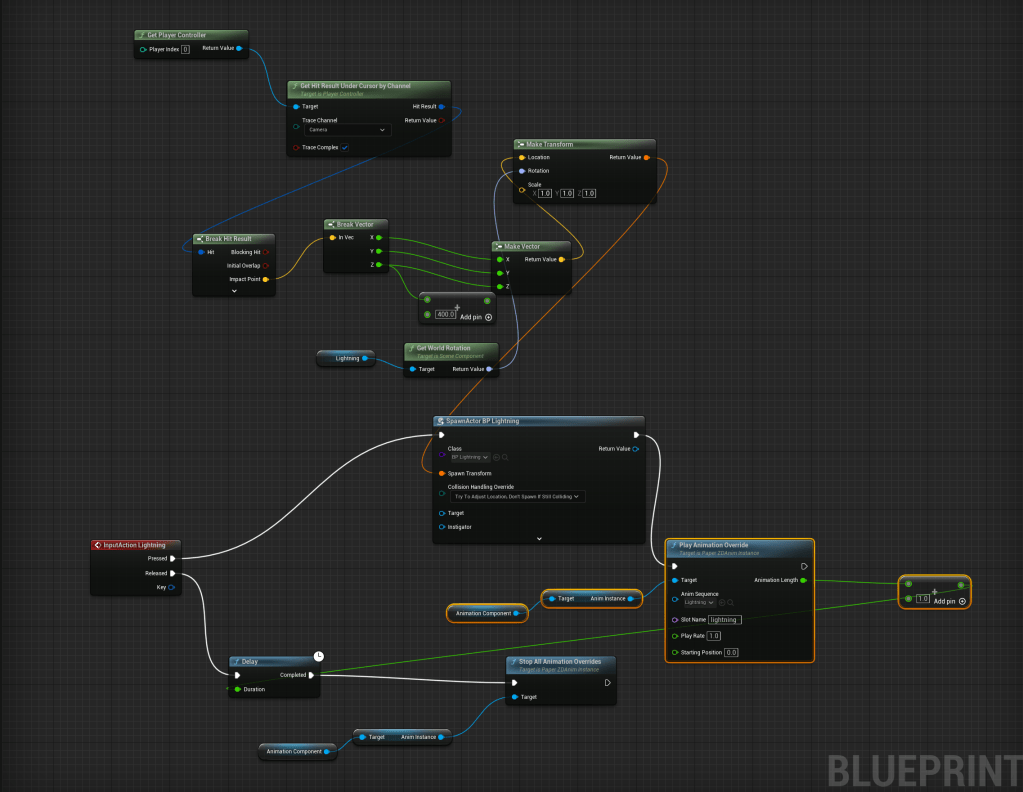
I then worked on creating a lightning attack where the player would summon a lightning bolt that would damage enemies I ended up reusing parts of code from the fireball blueprints that didn’t work where the fireballs would appear where you clicked. I then I added a tag to lightning actor to stop it from damaging the player if the lightning stuck too close it would only damage enemies.
When testing the lightning I found that the combination walls I had set up for my map and the way the lightning targets when the mouse clicks meant that the lightning hit the wall in front of the player when they were near a southern wall or in a corridor. It has lead me to reexamine my camera angle but when experimenting with the angle it made my character look oddly proportioned and not right for my game, I then examined the results of my survey on pixel art and the results were not as expected. Respondents much preferred the lower pixel density art, they also felt the characters looked stiff, and blocky, a lot also mentioned the lack of shading on the character.
Due to the results of the survey and my own feelings on my sprites I have resolved to completely rework my sprite style using a lower pixel density and a more top down perspective.
L3 U8
 Sublime Theros