

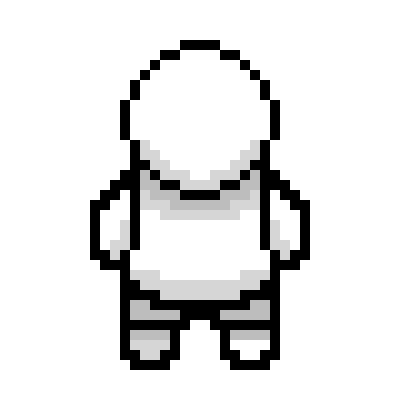
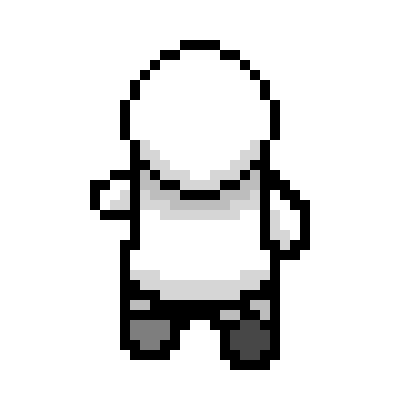
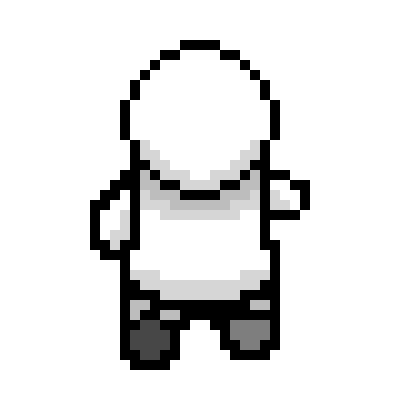
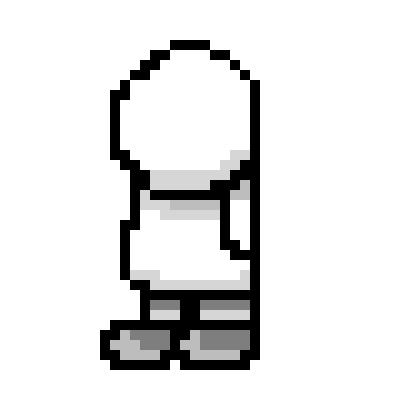
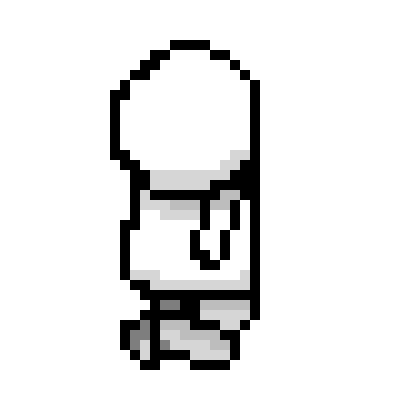
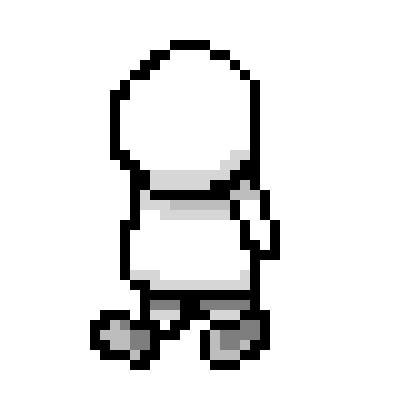
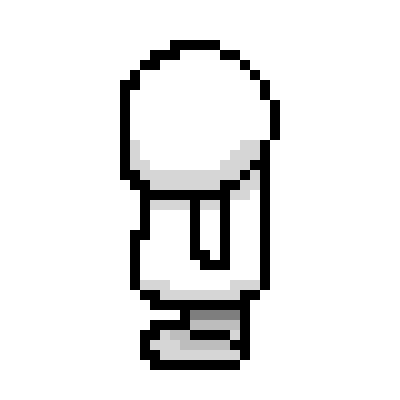
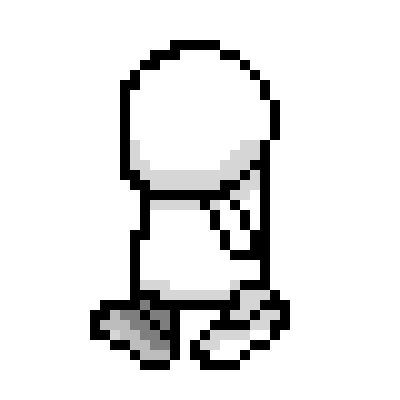
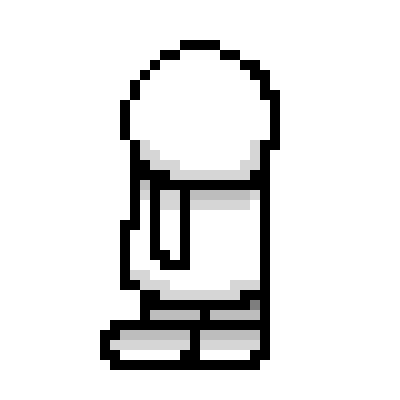
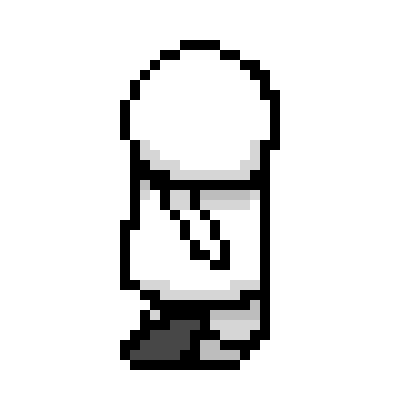
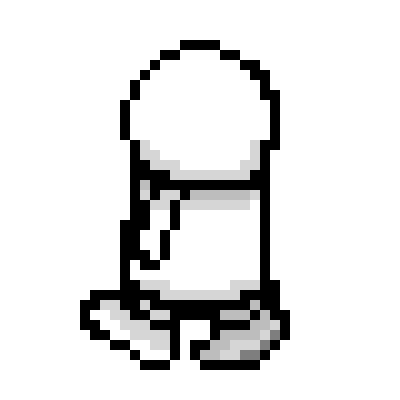
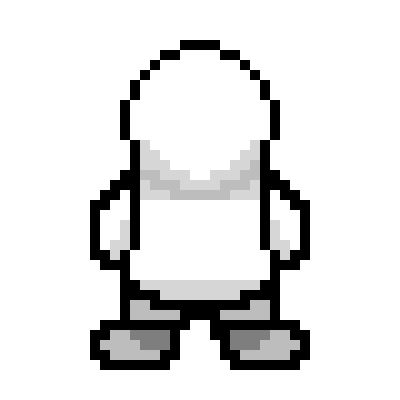
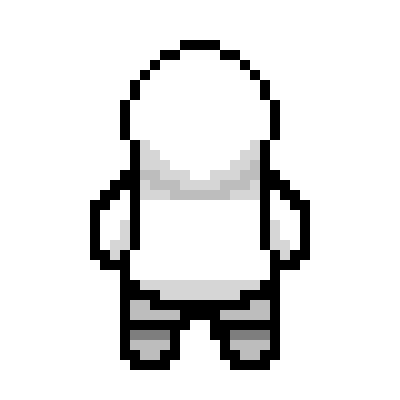
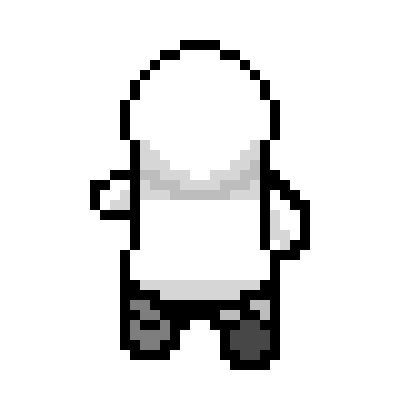
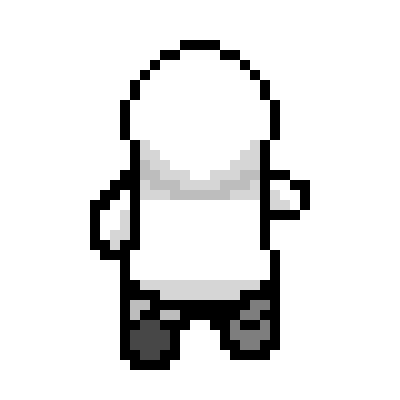
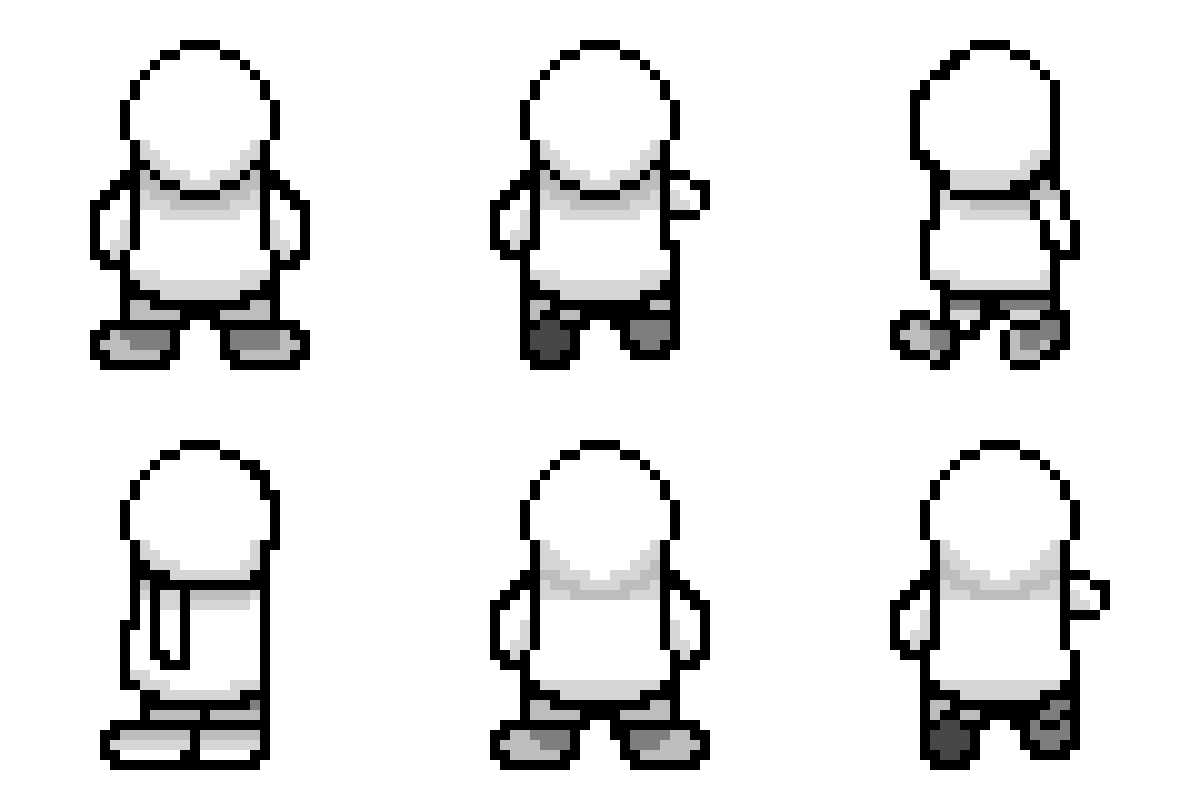
When overhauling my sprites I decided to start with a base that would be applied to any sprite I would create making movement, angles and shading easier. I found a YouTube short that gave me a quick rundown of this process: https://youtube.com/shorts/aLPPSjmRQgc?si=P2C6nEWDUDsACc_W. It helped with front, front diagonal and back sprites and then I managed to fill in the rest with what I had learnt. I designed the left and then when I have coloured the sprites I will then duplicate the frames and then flip the canvas horizontally. There are rough edges but I feel this will at least set me up to make better sprites. The tutorial also taught me how to use a new software Aseprite, which gave me access to features like a lasso tool and a multiply layer so my shading is consistent. I took me a while to get the idea of angle right for me as due to what I had set up already I needed 8 angles for the character to face. I also wanted to improve the way my character turned so their bodies turn for all angles not just left, right, up and down as before their feet only changed for diagonals. Next I made my blue character on this skeleton base. He ended up being the easiest as he is wearing a hooded jumper, this meant I didn’t to spend time working out the hair shape and angles.
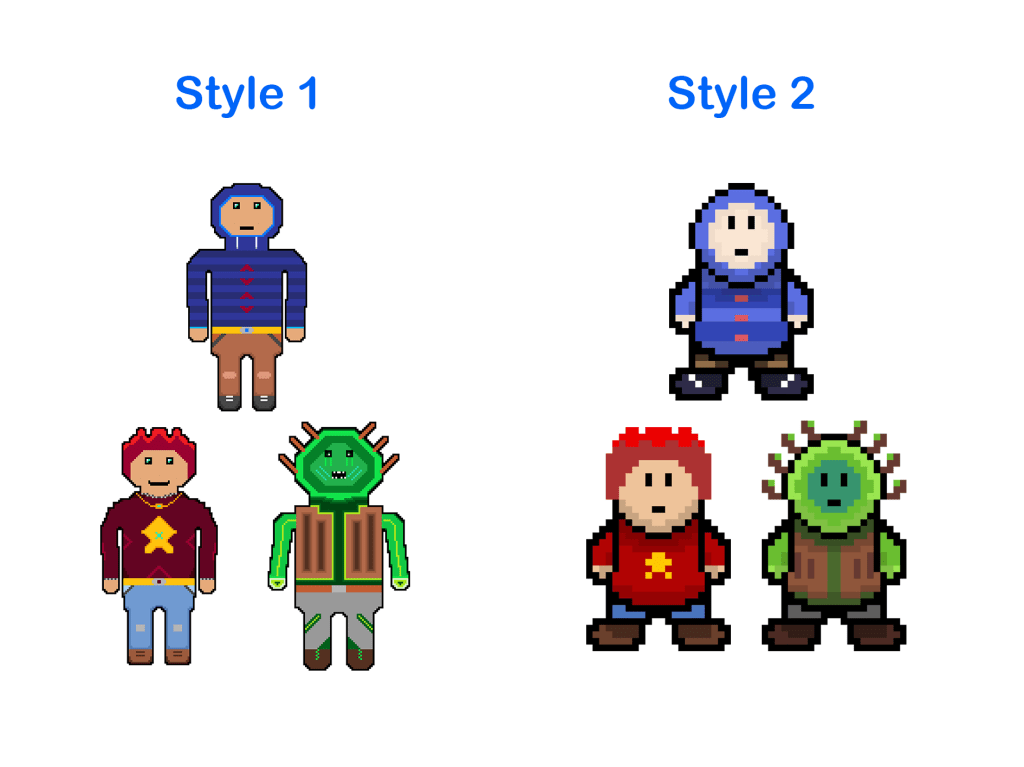
I decided to crack on a make the red guy and green monster so I could create a second survey to gauge whether this was a worthwhile endeavour. These two were harder as the red guy has hair that was complex to draw the sides for and the green monster has branches coming out its head which again was complex to draw at angles. In the end I was very satisfied with what I had created and working off the base massively reduced the time to make them. I then made a simple survey asking respondents which style they prefered and early signs are resounding that style 2 (new style) is preferred.
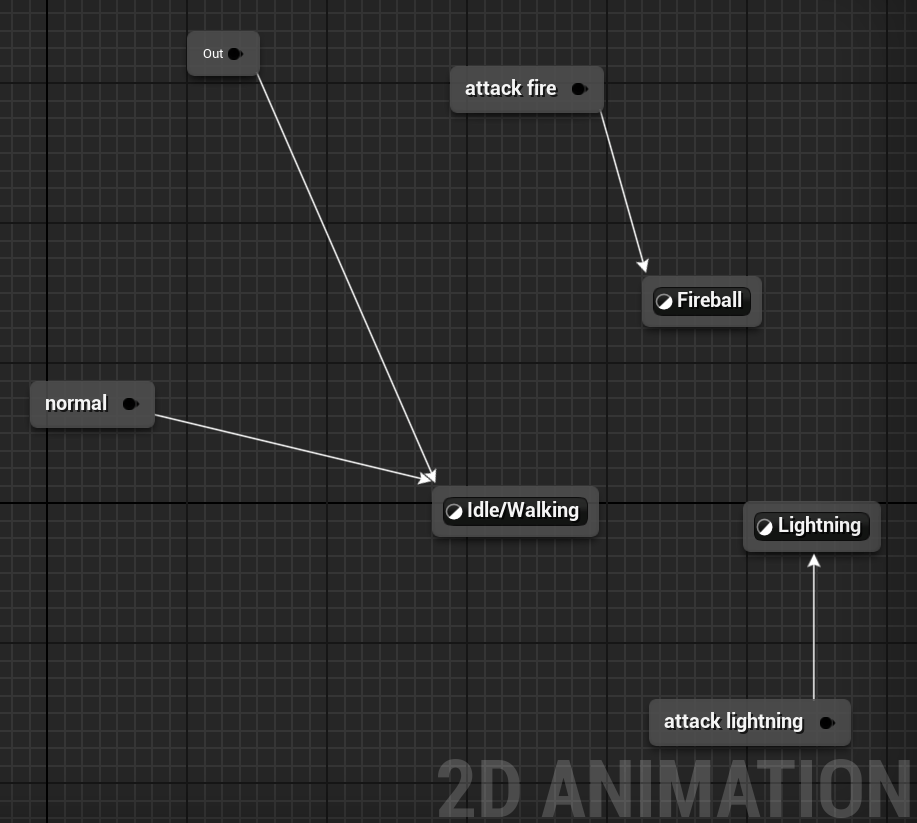
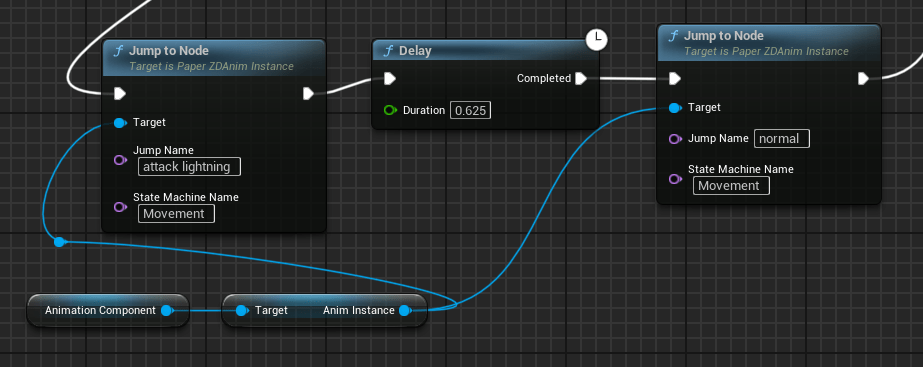
I swapped out the sprites in Unreal and did some testing and found I was annoyed by the way the animation override made the animation run it them look poor and reduced immersion. As planned I returned to the state machine and the idea of jumps. I learnt that I was calling the jumps wrong and I should be calling them in the player blueprint instead of the animation blueprint. I could now get the player blueprint to call the animation of click was still struggling to get the animation to stop playing. In the end I added a delay of the animation length after I called the attack jump and then added a second jump to return to the normal state. I applied this logic to both attack and it looked a lot cleaner and smooth.
I have realised that I have a multitude of issues, bugs and code errors that I feel I should fix before moving too much further forwards. This issues are:
- Fireball not targeting where the mouse clicks
- The fireball does not damage enemies
- The attacks require double click to activate
- The walls in the mazes block tracking of the clicks
I also want to get a baseline for my boss as this is part of my contingency plan so I have begun making the sprite but I do not think he will move so I will probably not make and rotations for that sprite.


L3 U8
 Sublime Theros