

I found when testing level 3 that the I found the corridors and the whole map felt too big and boring to navigate. Knowing I had all the assets for the level I used the dungeon generator to create me another level map that I could use, I then scaled it down as I felt it was too large still but it importantly did not have very long corridors like the previous version. I then tested the new version of the level and found that even with random loot drops from enemies the player was still running out magic mid level.
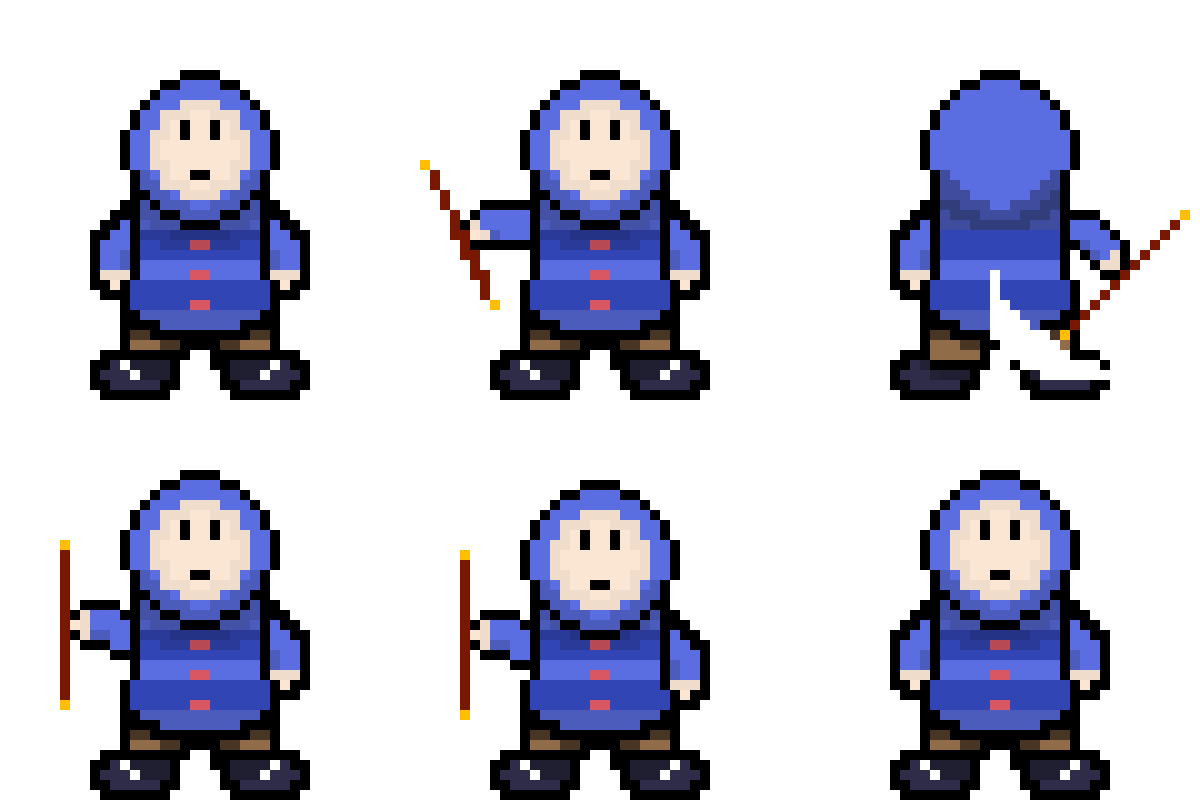
I discussed this issue with a classmate and they helped me decide to create a quarterstaff melee attack for the player where the staff was swung all around the player. I first created an animation for it where the player character pulled out the staff and swung it around their body using the already created rotation of the character only changing the arm movement and adding the staff and flash that shows the movement commonly know as a smear.
To create the attack in Unreal I first added a input for the F key for the event trigger, then set the event chain to create radial damage centring on the player but that created inconsistencies so it was suggested I try a sphere trace that takes all hit actor and feeds them damage. With a bit of fiddling it worked, the main issue I faced was the attack hitting too many times but reducing the draw time of the sphere fixed it.
I then set out to make it, as my classmate suggested, that when you land a melee hit you recover magic. To do this I added a branch to the enemy that checks to see if the incoming damage is the melee attack and then feeds 50% of the damage taken into a blueprint interface that connects to the player. This triggers an event in the player blueprint that adds the fed float value to the players magic.
Another idea I had to make levels easier to navigate was a mini map, I followed a quick tutorial and then added a border to it to make it fit with my game.
I was doing some testing of the levels and found the roaming enemies ability to track the player was in consistent. I looked into why and found myself recommended the better version of the pawn sensing called AI perception. I followed a sequence of tutorials on how to handle the senses but it recommended having the resulting information be handled by a behaviour tree so I looked at the same creator’s tutorial on behaviour trees. I was sceptical on the behaviour trees as I had failed to figure them out before when I was toying with the idea of creating an RPG where you had a friend that would help you fight the enemies. It turned out what I failed to do was set the AI controller in the character blueprint. I successfully created behaviour trees that made the enemies use the AI perception and follow the player better.
I was testing the boss and found the AOE fire damage was not ticking for damage like it should and thought I should re-evaluate the attack as this is the second time I have had to fix it. I looked back at what fire based attacks he could do and I thought to re-tool the player fireball to see if a spray of fireballs would prove fruitful as an attack. Using a similar strategy to the players fireball I created four arrows that were equidistant atop the boss’ model and used them for the transform of the spawn actor node. When I was testing this I thought that it would be cool if there was a phase two where the boss fired double the amount of fireballs. I then experimented with that idea and made more powerful variations of all three attacks to be my phase two. I set the boss to switch when his health dropped below 50% of his max health. I found this to be a great success as I felt it made my boss intimidating and more of a threat to the player. I now need to make animations to represent the new attack and maybe some kind of indicator that phase two has begun.
L3 U8
 Sublime Theros