

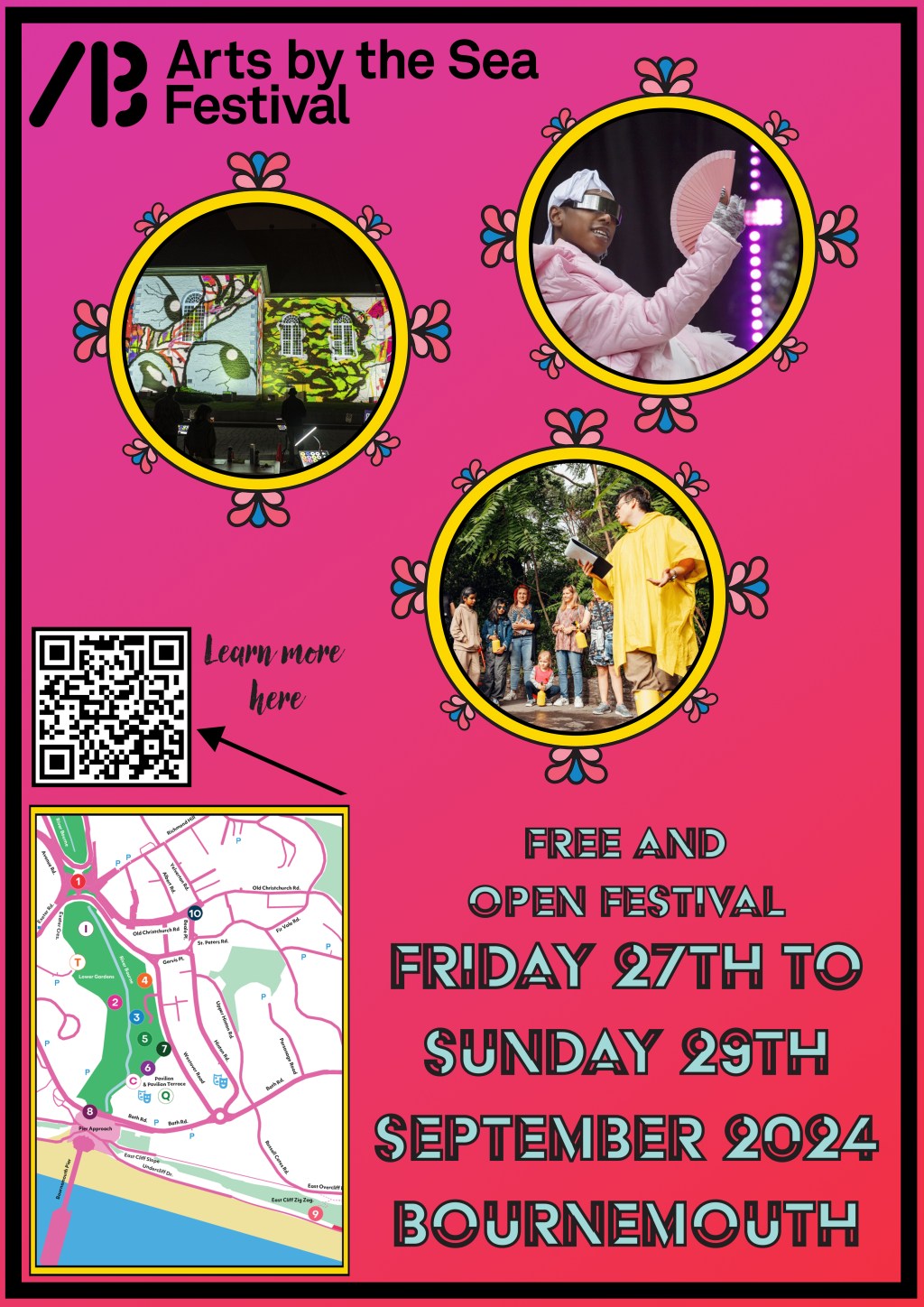
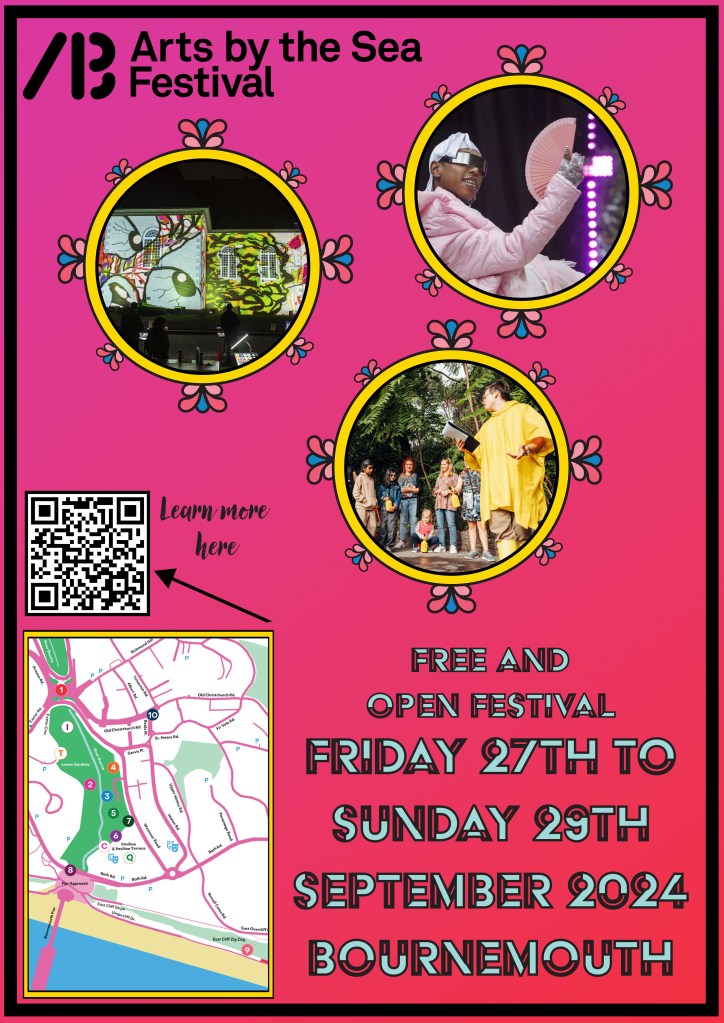
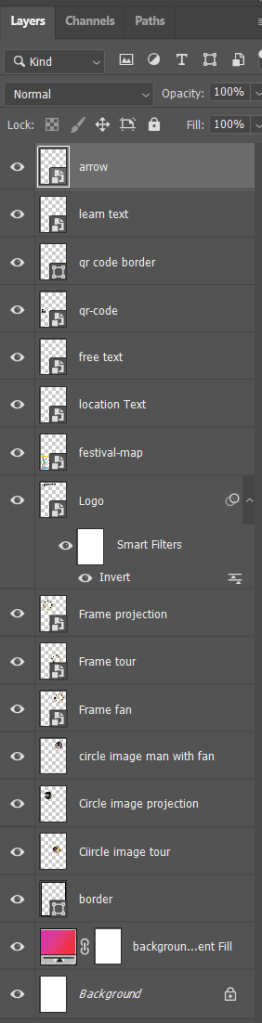
In this lesson we continued to look at layers as well as generally practice and demonstrate our existing skills in Photoshop. To do this we were assigned the task of creating a poster for the Arts by the Sea Festival.
I first looked at the website and and took a sample of the colours and created a colour palette. Then I cut out the frame that was used on the website and used it on my poster to match the style used on the website. I added the festival logo and a QR code to the website. I added text of the event location and that the event was free. I added a map of the event and border to the poster.
L3 U5&6
 Sublime Theros